EasyManua.ls Logo

Cleco 48EAE15AL3 - User Manual

Cleco 48EAE15AL3
136 pages
Print Icon
To Next Page IconTo Next Page
Loading...
Instruction Manual
TM12-1105-LG1
08/25/2017
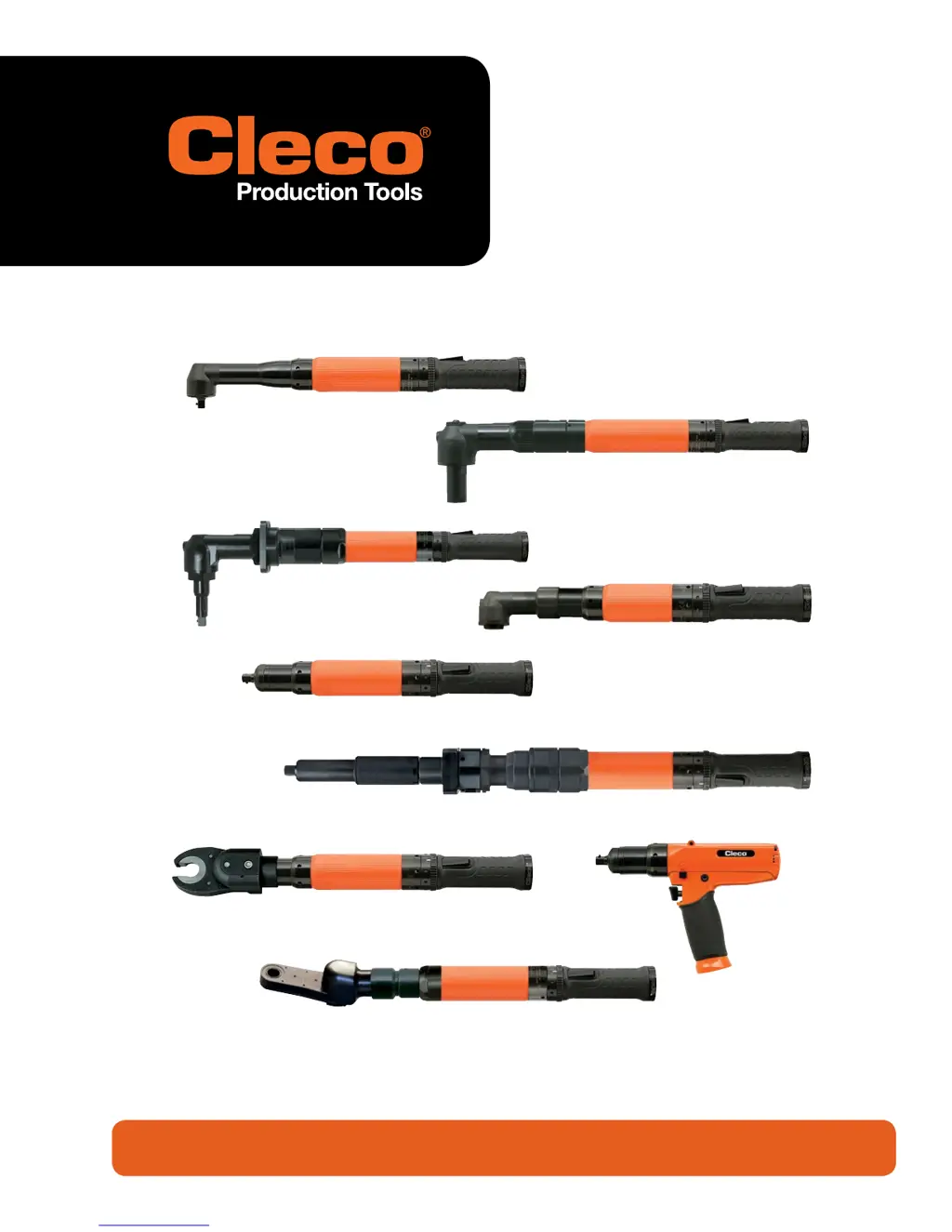
48E Series
Corded Electric Assembly Tools
For additional product information visit our website at http://www.ClecoTools.com

Other manuals for Cleco 48EAE15AL3

Questions and Answers

  • S
    Stephen JohnsonAug 16, 2025
    What to do if the "Tool Not Connected" message appears on my Cleco 48EAE15AL3?
    • S
      Steven BlackburnAug 16, 2025
      If the Cleco Power Tool displays a "Tool Not Connected" message, first verify that the tool has been accepted in the TOOL SETUP screen. Before accepting the tool, the message "Needs User Acceptance" should appear in the tool overview screen. Make sure the correct tool is highlighted when going to Tool Settings to accept the tool. Also, a faulty cable could be preventing the tool from being "seen" by the controller, so try replacing or repairing the cable.
  • C
    Christopher ClayAug 22, 2025
    Why doesn't the torque on my Cleco 48EAE15AL3 match the external transducer?
    • D
      Daniel SparksAug 22, 2025
      If the torque reported by the controller doesn't match the torque reported by an external transducer on your Cleco Power Tool, you may need to adjust the torque calibration factor in the Tool Settings menu. Use this formula: New Cal Facor = (External Reading/Tool Reading) x Existing Torque Calibration Facor. Also, if a custom head has been added to the tool, the tool memory must be programmed to accommodate the new attachment.
  • J
    jonesamyAug 25, 2025
    What to do if Cleco 48EAE15AL3 shuts off too early?
    • S
      Sandra AlexanderAug 26, 2025
      If your Cleco Power Tool shuts off prematurely, it could be because the operator is releasing the start switch before the controller stops the tool. Make sure the operator keeps the start switch depressed throughout the entire rundown. Alternatively, the rundown time might exceed the default time value of 10 seconds; increase the rundown timer to exceed the rundown time required. It's also possible that the tool has reached the Angle High Limit before reaching the Torque target. Check the fastening strategy programming to verify that the Torque target and Angle High Limit are correct. If the parameters are correct, see if something has changed in the assembly that would cause an incorrect torque/angle relationship.
  • K
    Katelyn HartAug 28, 2025
    Why is my Cleco 48EAE15AL3 Power Tool running forward but not in reverse?
    • C
      Cory GloverAug 28, 2025
      If your Cleco Power Tool runs forward but not in reverse, there might be no speed programmed for Reverse, so enter a speed (RPM) for Reverse. Another possibility is a faulty reverse switch, in which case you should replace the Start/Reverse switch assembly. Additionally, check for a faulty cable, which would need to be replaced or repaired, or bent pins in the cable or tool, which should be straightened or the faulty connector replaced.
  • A
    Ann DonovanAug 31, 2025
    Why doesn't my Cleco Power Tool cable fit in the handle?
    • P
      Peter ColeAug 31, 2025
      If the Cleco Power Tool cable won't fit in the tool handle, it's likely the wrong cable is being used. Tools used with a Global Controller utilize an Air-lb connector, which has a smaller ID housing in the tool than previous Matrix style connector housings. Make sure to utilize the correct cable for the tool being used.
  • S
    satkinsSep 3, 2025
    How to fix a Cleco 48EAE15AL3 Power Tool that won't change speeds?
    • L
      lozanojeffreySep 3, 2025
      If the Cleco Power Tool won't change speeds, verify that all speeds and shift points are correct in the stages that are being used, as the speeds might be the same in all applicable stages.
  • S
    Stephanie WangSep 6, 2025
    What causes a Cleco Power Tool to report no angle?
    • A
      Anthony HansenSep 6, 2025
      If the Cleco Power Tool shuts off at the desired torque but reports no angle, the Angle Threshold value might be set too high. Correct the fastening strategy programming to include a lower Angle threshold value.
  • S
    Stephanie BarberSep 9, 2025
    What does "Transducer Offset Error" mean on a Cleco 48EAE15AL3?
    • E
      Eric LambertSep 9, 2025
      If you see a warning message in the RUN screen reporting "Transducer Offset Error" on your Cleco Power Tool, it means the tool transducer is not returning to a zero torque condition. The transducer may have been over-stressed and needs replacement. Also, check the tool with a different cable to see if the condition remains, as faulty wiring in the tool or cable could be the cause. Transducer offset and full scale voltages can be seen in the DIAGNOSTICS menu.
  • R
    Roger BuchananSep 10, 2025
    How to troubleshoot a Cleco 48EAE15AL3 Power Tool that does not start?
    • R
      Robin WilliamsSep 12, 2025
      If your Cleco Power Tool isn't starting, it could be due to several reasons. The start switch might be faulty and need replacement. Alternatively, there might be no speed (RPM) programmed for the active stages, so you'll need to program a speed for all of them. It's also possible the controller is waiting for a Tool Enable, in which case you should make the Tool Enable connection or disable Tool Enable if it's not required. A faulty cable could also be the culprit, requiring replacement or repair. Finally, check for bent pins in the cable or tool; straighten them or replace the faulty connector.
  • S
    Sarah NguyenSep 12, 2025
    Why are all the lights flashing on my Cleco 48EAE15AL3 Power Tool?
    • J
      Jonathan JacksonSep 12, 2025
      When all the lights on the Cleco Power Tool begin flashing when the reverse collar/switch is put in reverse, this is a normal function as set by the default parameters. If the lights are not flashing when the tool is in reverse, the "Blinking Lights in Reverse" check box is not selected. Check selections in the ADVANCED menu, Tool Settings tab.

Cleco 48EAE15AL3 Specifications

General IconGeneral
BrandCleco
Model48EAE15AL3
CategoryPower Tool
LanguageEnglish

Related product manuals