EasyManua.ls Logo

Cleco 48EAE51P3 - User Manual

Cleco 48EAE51P3
34 pages
Print Icon
To Next Page IconTo Next Page
Loading...
For additional product information visit our website at http://www.apextoolgroup.com
48EAE…P…
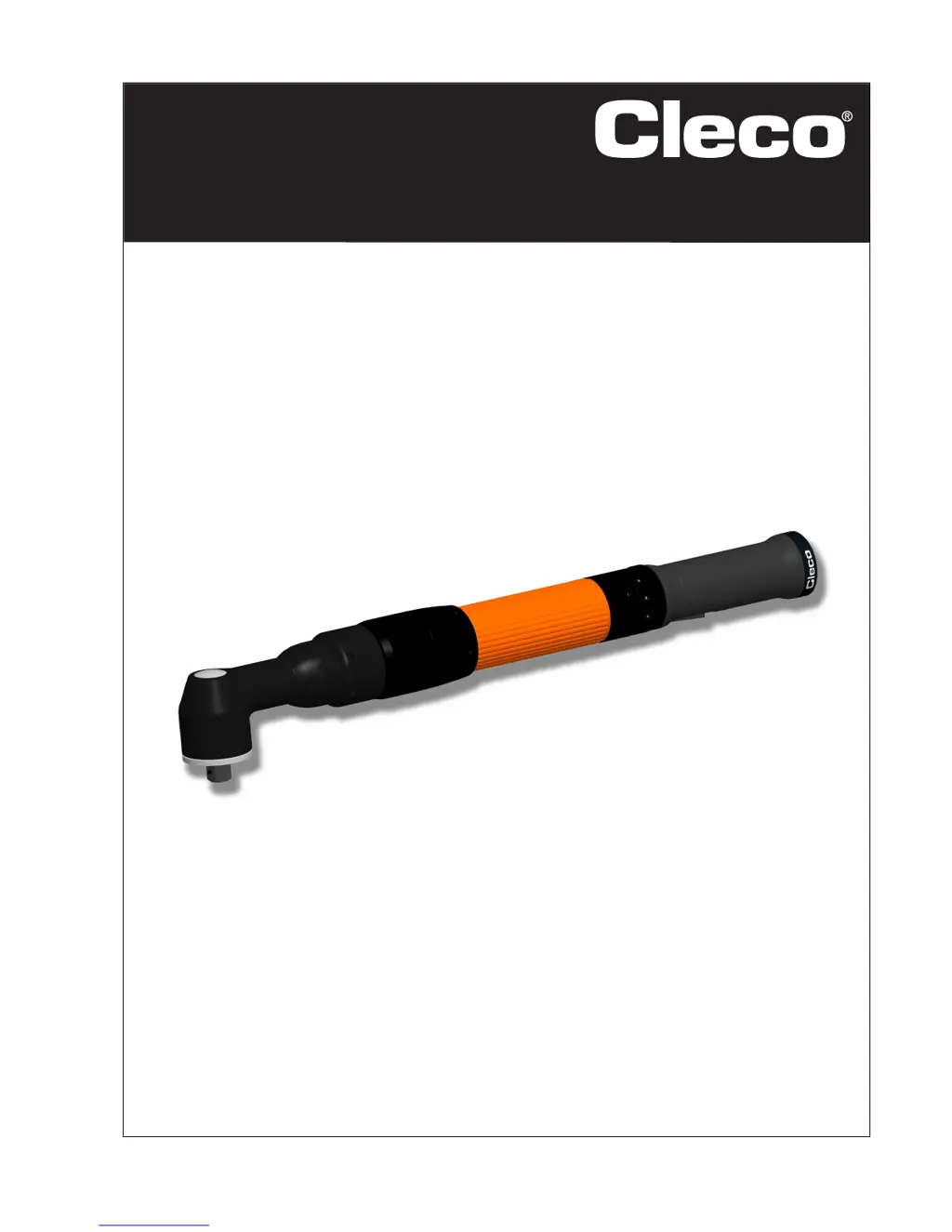
Electric hand-held nutrunner
Instruction Manual
P2144BA/EN
2014-08

Questions and Answers

  • J
    Jose JenkinsAug 9, 2025
    What to do if my Cleco 48EAE51P3 Power Tool does not start?
    • E
      Edward TuckerAug 9, 2025
      If your Cleco Power Tool doesn't start, there could be several reasons: * The start switch might be faulty, in which case you should replace it. * No speed (rpm) may be programmed; program the speed for all active stages. * The control might be waiting for tool enablement; activate the input Tool Enable (Advanced > Inputs) or deactivate Tool Enable (Advanced > Tool Setup) if it's not required. * There might be a faulty cable; repair or replace the cable. * Bent pins in the cable or tool could be the issue; straighten the contact pins or replace the faulty connector. * Self-identification data might not be recognized after a tool change; accept the data again (Tool Setup > Tool Settings > Accept).
  • T
    turnersarahAug 14, 2025
    Why does my Cleco 48EAE51P3 Power Tool start in tightening direction but not in counterclockwise rotation?
    • J
      John SmithAug 14, 2025
      If your Cleco Power Tool starts in the tightening direction but not in counterclockwise rotation, it could be due to the following reasons: * No speed programmed for counterclockwise rotation. Program the speed for counterclockwise rotation. * Faulty counterclockwise rotation switch. Replace the start/counterclockwise rotation switch. * Faulty cable. Repair or replace the cable. * Bent pins in the cable or tool. Straighten contact pins or replace faulty connector.
  • T
    Trevor RobinsonAug 25, 2025
    How to fix Cleco 48EAE51P3 that doesn't start with counterclockwise rotation activated?
    • M
      Michael HenryAug 25, 2025
      If your Cleco Power Tool doesn't start with counterclockwise rotation activated, it could be because the parameter for speed is set to 0 rpm with counterclockwise rotation. Program the speed for counterclockwise rotation (Standard > Tool Groups).
  • F
    fosterdavidAug 29, 2025
    What to do if my Cleco Power Tool has no acoustic signal after connecting the tool cable?
    • M
      Matthew WalshAug 29, 2025
      If there is no acoustic signal after connecting the tool cable to your Cleco Power Tool, the following could be the reasons: * Incorrect software. Check the controller software / measuring board software. * Defective cable. Replace the cable. * Defective tool. Change the tool.
  • S
    Samuel ChaneySep 3, 2025
    Why does my Cleco 48EAE51P3 Power Tool switch off at required torque, but without angle indicator?
    • S
      shawaprilSep 3, 2025
      If your Cleco Power Tool switches off at the required torque but without an angle indicator, the threshold torque might be too high. Correct the fastening sequence or reduce the threshold torque value.
  • S
    Susan BeckerSep 10, 2025
    What to do if Cleco 48EAE51P3 Power Tool switches off prematurely?
    • T
      Travis HaynesSep 12, 2025
      If your Cleco Power Tool switches off prematurely, it might be due to these reasons: * The operator releases the start switch before the control stops the tool. Make sure that the operator keeps the start switch pressed throughout the entire sequence. * The fastening time exceeds the standard time by 10 seconds. Increase the fastening time. * The tool exceeds the angle setpoint. Check the fastening sequence to ensure that the torque shutoff value and/or angle setpoint are correct. Adjust as necessary. Check whether the screwed joint has changed significantly.

Cleco 48EAE51P3 Specifications

General IconGeneral
BrandCleco
Model48EAE51P3
CategoryPower Tool
LanguageEnglish

Related product manuals