2.2
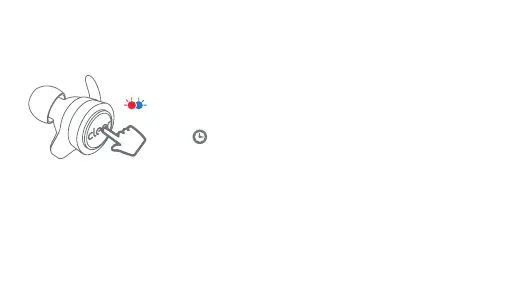
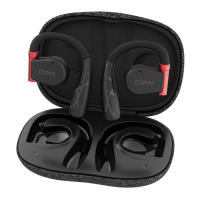
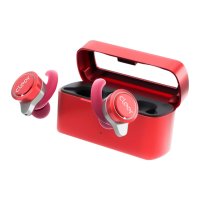
To pair manually, press the touch pad on either
earbud 3 times, on the third press hold for 2
seconds.
Refer to step 2.1 to complete the pairing
sequence.
+<2sx3
Note:
• If the earbuds are disconnected for over 10 minutes, the earbuds will power o.
• To power on the earbuds, please put them back to the charging case.
• To remove the paired record, put the earbuds back into the case, press the touch pad on each
earbud 2 times and hold for 1 second on the second press till the LED on the earbuds will flash
green, leave them charging case for 10 seconds to complete the process.


 To Next Page