2 - How to use
ON
2.1
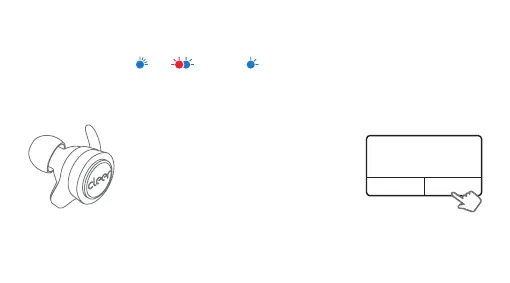
PAIRING CONNECTED
Connection for the first time:
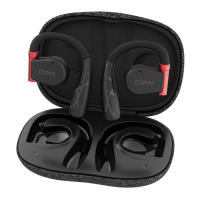
• Take out both earbuds from the
charging case
• Select Cleer ALLY on the Bluetooth
device list to pair the first earbud
automatically
• Select “Pair” in the pop-up box after the
first earbud paired
• Second earbud will pair automatically,
once completed - you can begin using
the earbuds.
Cancel
Bluetooth Pairing Request
“Cleer ALLY” would like to pair
with your device.
Pair


 To Next Page