Clickfree Backup Drive for Macintosh: User Guide Browsing & searching for my files
Browsing & searching for my files
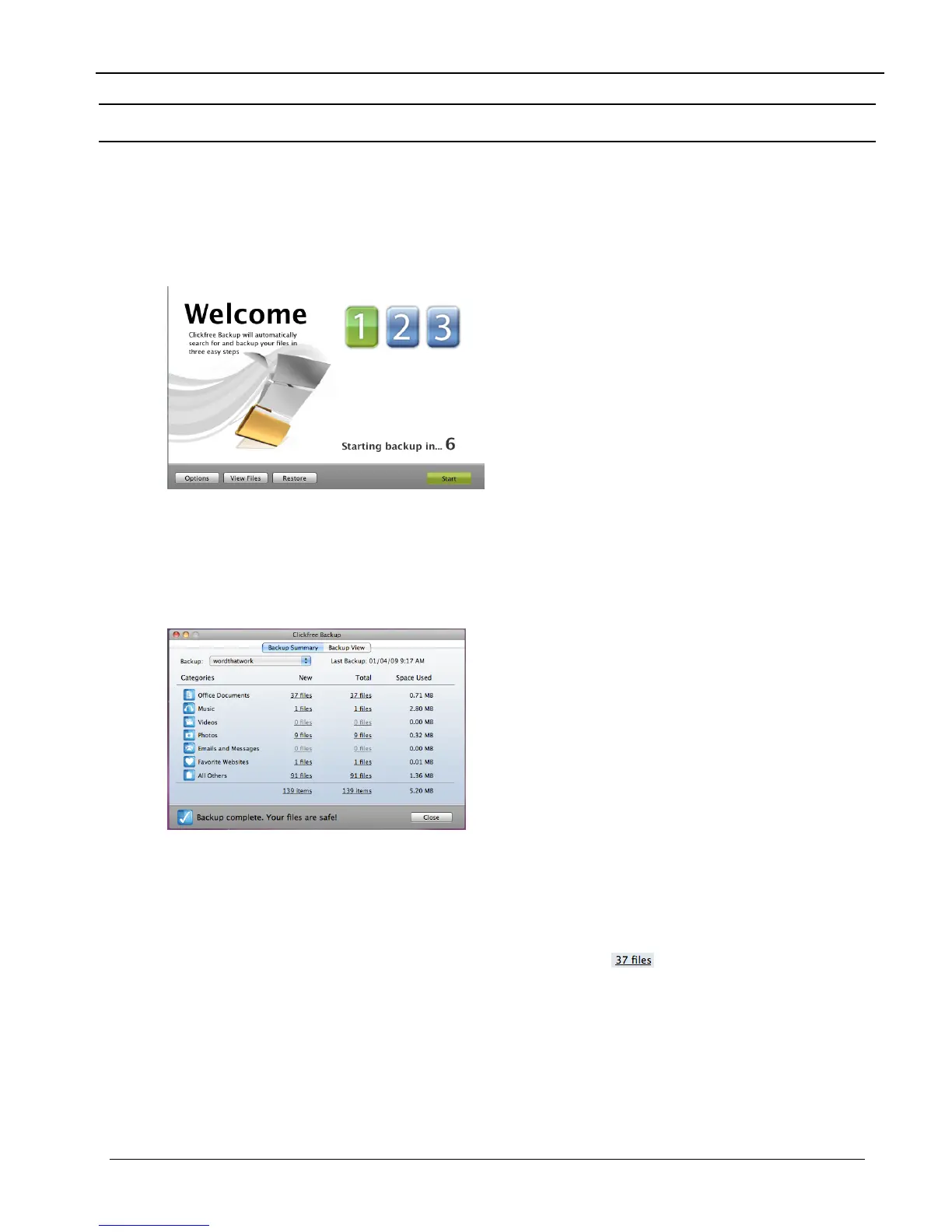
From the Backup Summary window you can:
• Browse your backup(s) for files
• Search your backup(s) for files
S
TARTING FROM THE WELCOME WINDOW
♦ To browse and search for files:
Before the countdown gets to zero, click View Files. The Backup Summary window is
displayed.
F
ROM THE BACKUP SUMMARY WINDOW
♦ To browse and search for files:
1. In the Backup box select the name of the user whose files you want to search or browse
for.
2. Do one of the following:
• Click any of the underlined numbers (for example,
), and follow ” How do I
browse my backed-up files
” on page 26
• Click
Backup View, and use the normal Finder features to find and open your files.
Copyright © 2009 Storage Appliance Corporation. 25



 To Next Page