Clickfree Backup Drive for Macintosh: User Guide Browsing & searching for my files
HOW DO I BROWSE MY BACKED-UP FILES?
♦ To browse for files that you have backed up:
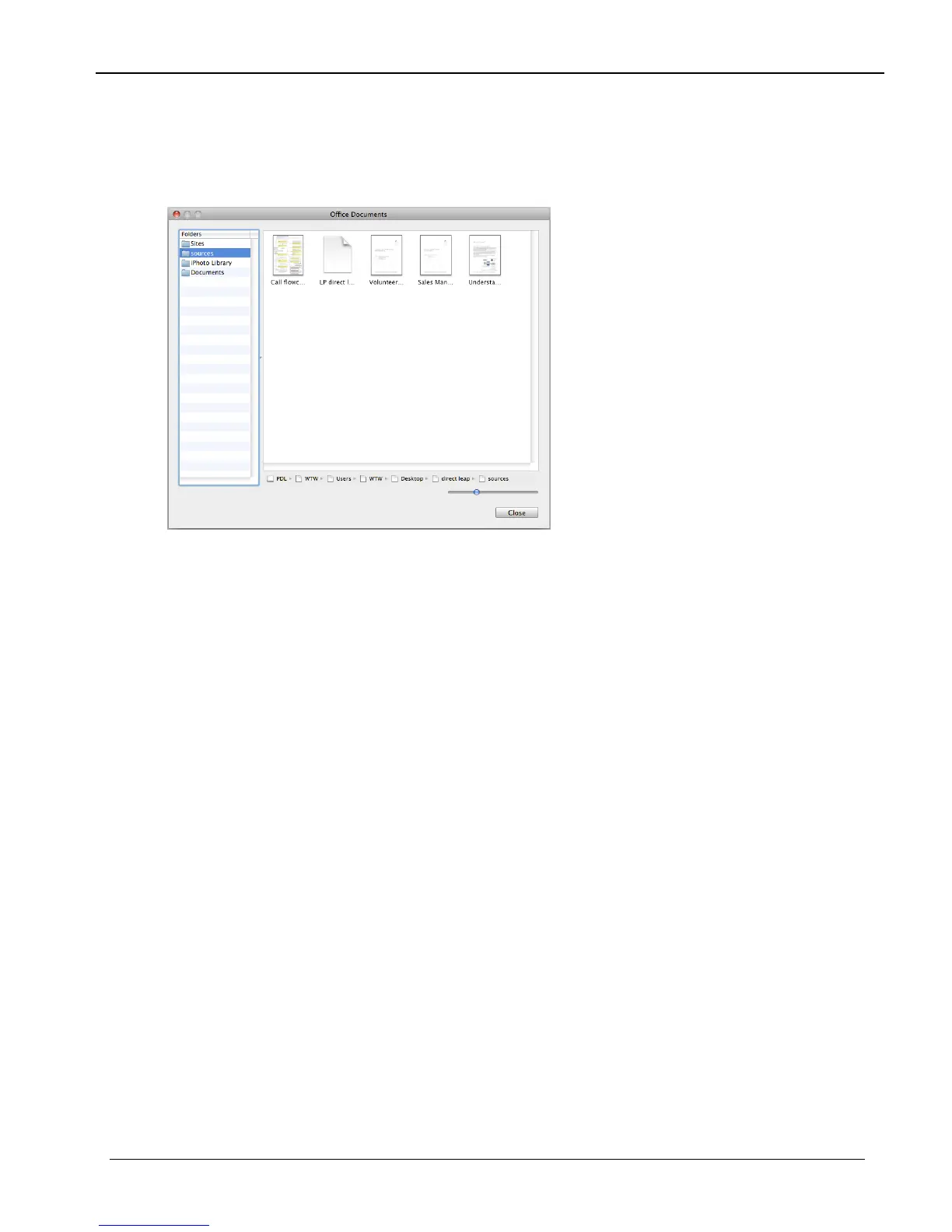
The window that opens lists, on the left, all of the folders that contain files from the
category that corresponds to the number you clicked:
Select a folder to view the files it contains.
Copyright © 2009 Storage Appliance Corporation. 26



 To Next Page