©
2004
Directed Electronics, Inc.
21
Transmitter/Receiver Learn Routine
NOTE: For information regarding transmitter programming please refer to the Owner’s Guide.
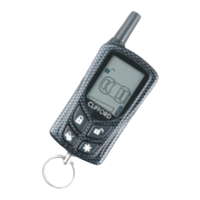
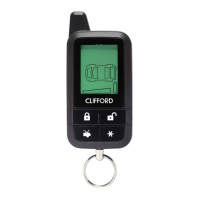
The system comes with one transmitter that has been taught to it. The system can store up to four
different transmitter codes in memory. Use the following learn routine to add transmitters to the
system or to change button assignments if desired.
If the system was previously programmed using the 998T Bitwriter, the learn routine may be locked.
If the siren generates one long chirp when attempting to program the unit, the learn routine is locked
and must be unlocked using the 998T Bitwriter before proceeding.
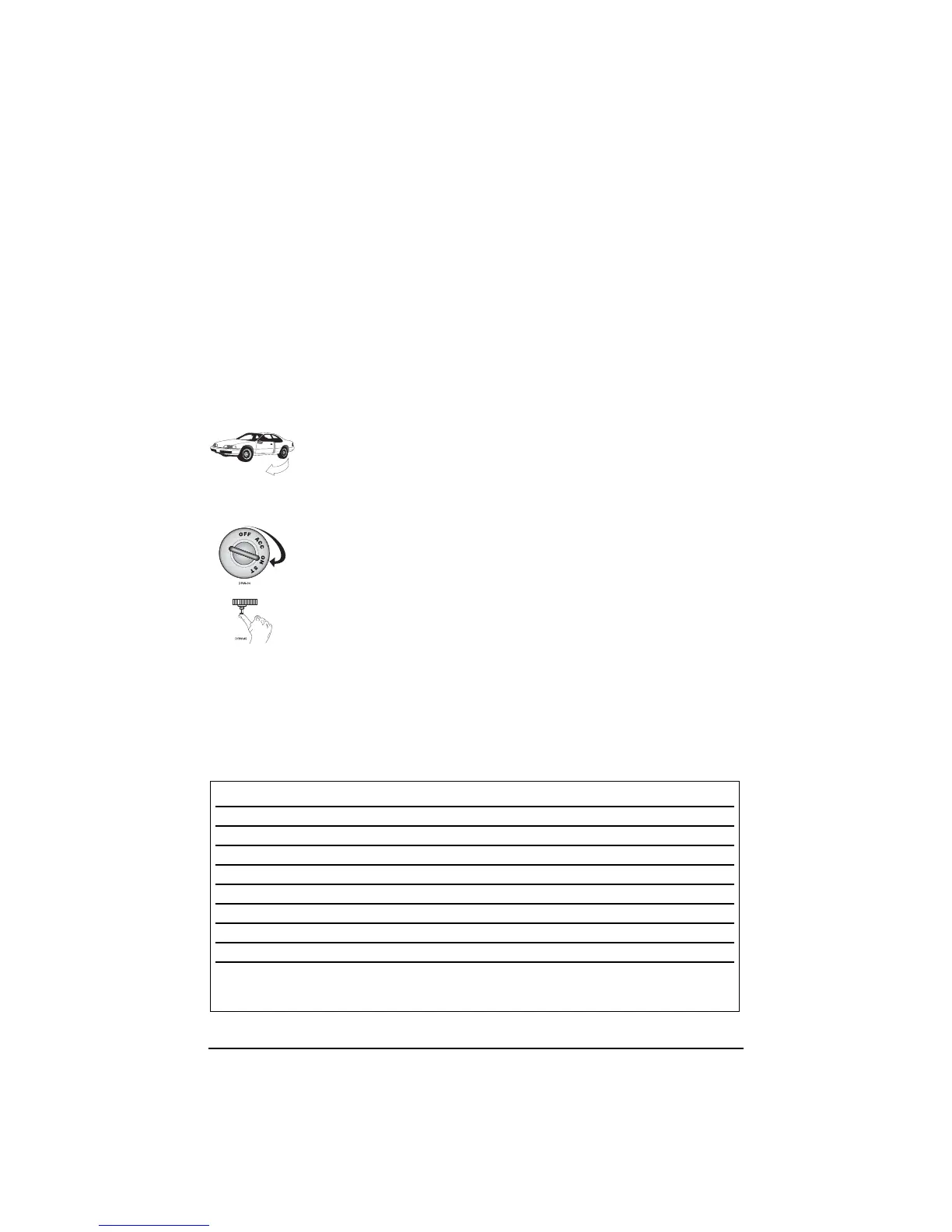
1.
OOppeenn aa ddoooorr..
(The GREEN wire, H1/5, or the VIOLET, H1/7 must be
connected.)
2.
TTuurrnn tthhee iiggnniittiioonn oonn..
(The YELLOW wire, H1/9 must be connected.)
3.
SSeelleecctt tthhee rreecceeiivveerr cchhaannnneell::
Press and release the Valet/Program button the
number of times necessary to access the desired channel.
NOTE: If adding a remote, a button must be taught to the unit in the Channel 1 or Channel 4
position prior to programming other channels.
Press and hold the Valet/Program button once more. The siren will chirp and the LED will blink
the number of times corresponding to the channel that is accessed.
Channel Number Function Wire Color
1 Arm/Disarm/Panic
2 Silent Mode/Remote Valet/Trunk Release RED/WHITE
3 Remote Start or other accessories WHITE/BLUE
4 Arm only
5 Disarm only
6 Panic only
7 Auto-learn Standard Configuration*
8 Auto-learn Single Button Arm/Disarm Configuration*
9 Delete all transmitters
*NOTE: For Auto Learn Configurations, see
Transmitter Configurations
section of this guide.




 To Next Page