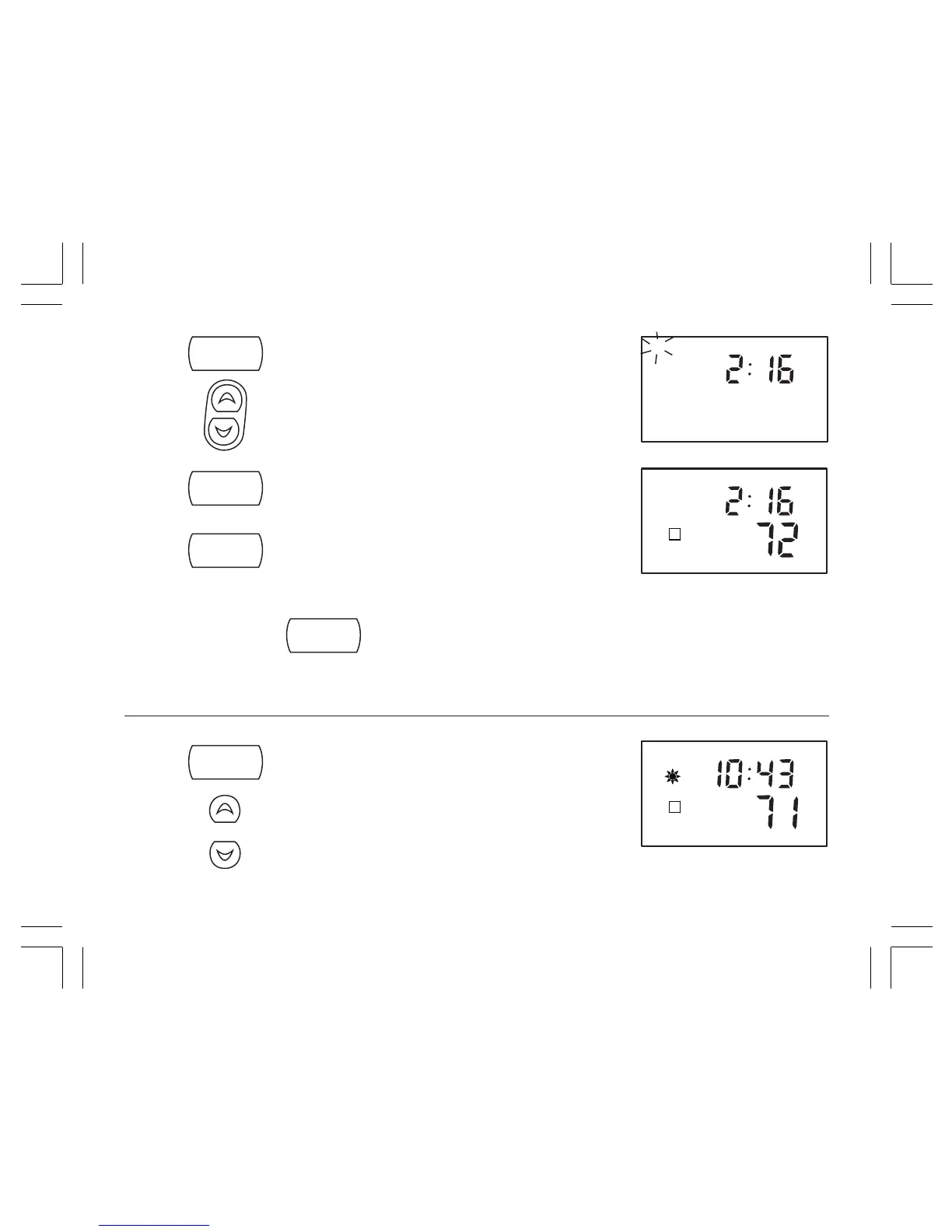
STEP 3: ■ Press again to change from minute setting to day
setting. The current day will be flashing.
■ Press to change the Day up or down to the
current day.
STEP 4: ■ Press again to change back to the
normal display.
NOTE:
You may press
hold
/return
at any time during Day and Time setting to return to the
normal display.
DAYLIGHT SAVING TIME
■ Press and hold.
■ Press to enter Daylight Saving Time.



 To Next Page