25
Temporary Manual Override
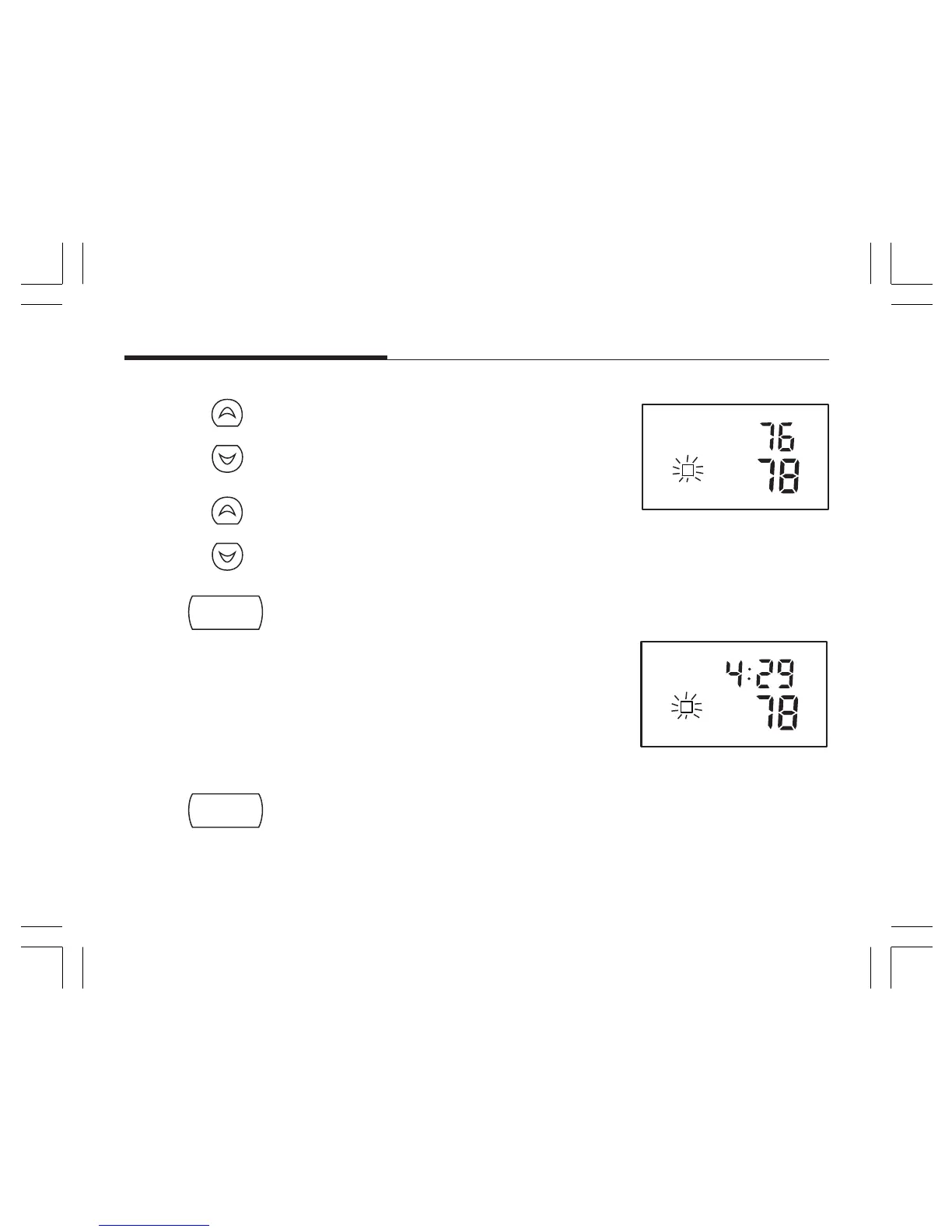
To temporarily change the current set temperature without affecting your program:
■ Press and hold for about 1 second to enter Manual
Override mode. When display flashes, you can
release the key.
■ Press again to change to your desired Set Tempera-
ture. Hold the key for 2 seconds to fast-advance the
Set Temperature.
■ Press to return to normal mode, or wait 5 seconds
for it to return automatically.
■ The current program number will flash to signify the
Temporary Override.
■ At the next program change time, the Temporary
Override is cancelled, and the next program tem-
perature becomes the setpoint temperature.
To end the Temporary Manual Override:
■ Press and wait for HOLD to display on the LCD.
■ Press again. This will return the set temperature to the current program set temperature.
or
hold
/return



 To Next Page