7-Day Programming
■ Slide System Selector Switch to HEAT or COOL to
program the corresponding system.
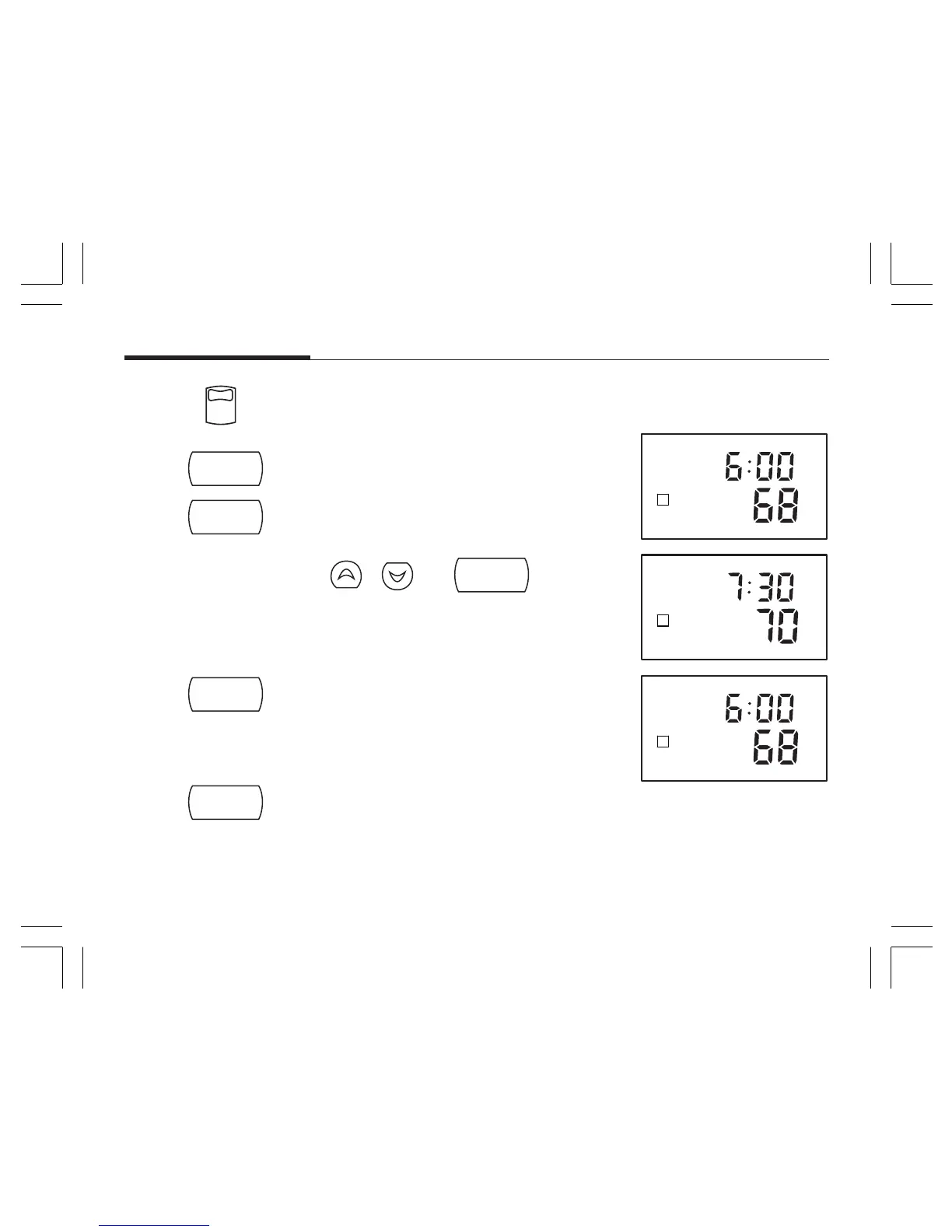
STEP 1 ■ Press to enter program mode, display shows week-
day programs.
■ Press 2 times to reach the Monday program.
Step 2 ■ Use
, and
program
keys to set
the 4 programs for Monday.
Step 3 ■ Press to change to the next day’s programs.
■ Repeat Step 2 to complete the selected day’s programs.
■ Continue repeating Steps 2 and 3 to program all 7
days of the week.
Step 4 ■ When finished press to return to normal mode.
■ After 15 seconds, the thermostat will return to
normal mode automatically.
Step 5 ■ Change the System Selector Switch to the other
system, and repeat Steps 1 through 4 above.
system
cool
heat
off
program
prog day
prog day



 To Next Page