20
PROGRAMMING
Weekday/Weekend Programming (continued)
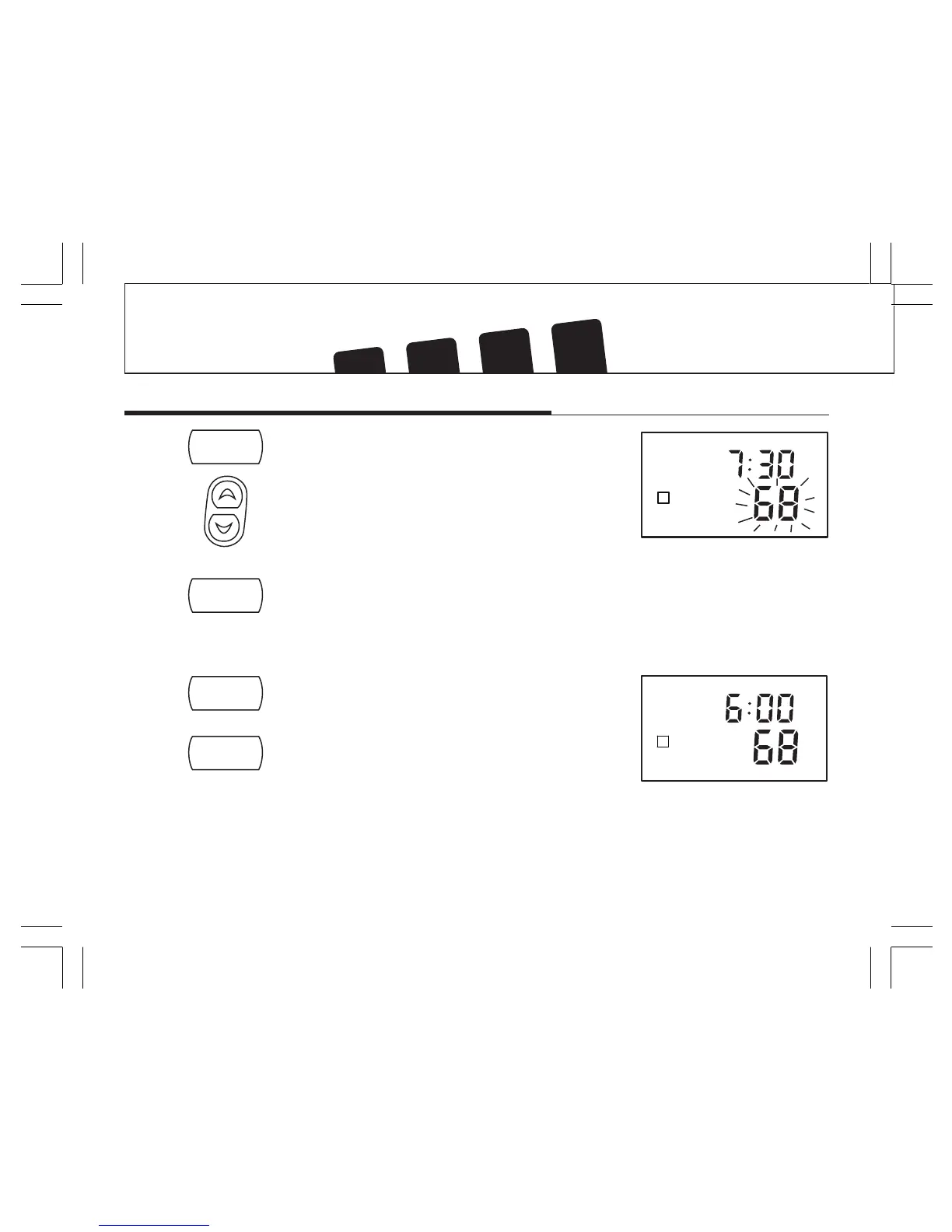
STEP 4: ■ Press again to change to the program temperature.
The current temperature will be flashing.
■ Press to change the temperature.
STEP 5: ■ Press again to move to the next program number.
■ Repeat steps 3 - 5 to change the remaining
weekday programs.
STEP 6: ■ Press to change to weekend programs.
■ Repeat steps 3 - 5 to change the weekend programs.
■ Press to exit Program mode, or wait 15 seconds to
exit automatically.
program
program



 To Next Page