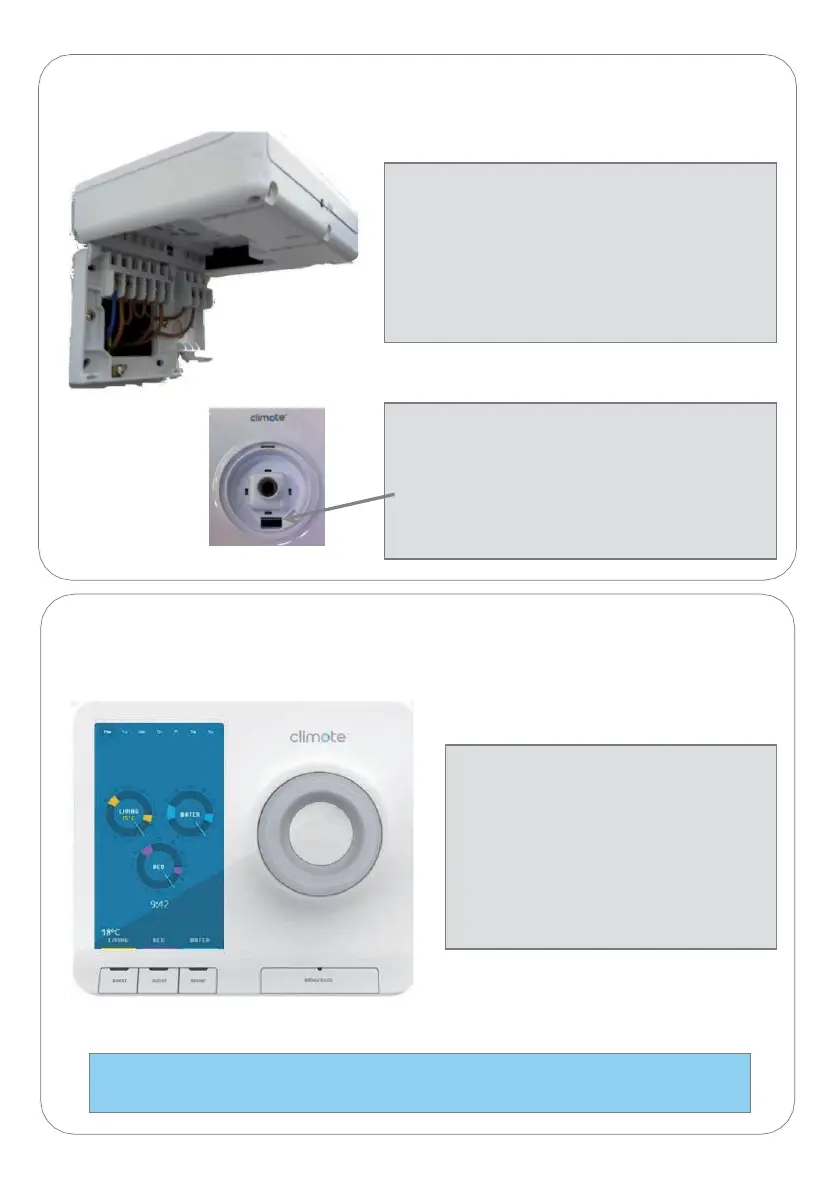
Power up Unit
1. Switch on power to the unit.
2. Check scroll-wheel illuminates and
unit enters start-up sequence –
display shows “Unit initialising” for
between 30 and 90 seconds.
3. Unit completes start-up and
displays 3 timer dials .
Note: in areas of poor signal quality, unit can take up to 5 minutes to complete
its start-up sequence. Refer to Diagnostics (12).
Attach Unit to Wall-plate (4)
Attaching the Unit
1. Ensure main body screws are fully
loosened.
2. Align unit directly above back-plate.
3. Twist down and engage hinge.
4. Push firmly to close and engage clip.
5. Tighten main body screws.
Removing the Unit
1. Isolate from mains.
2. Unscrew main body screws.
3. Remove scroll wheel.
4. Depress clip in recess and twist base of
unit away from wall.


 To Next Page