25
8 - CONTROL
8.8 STATA
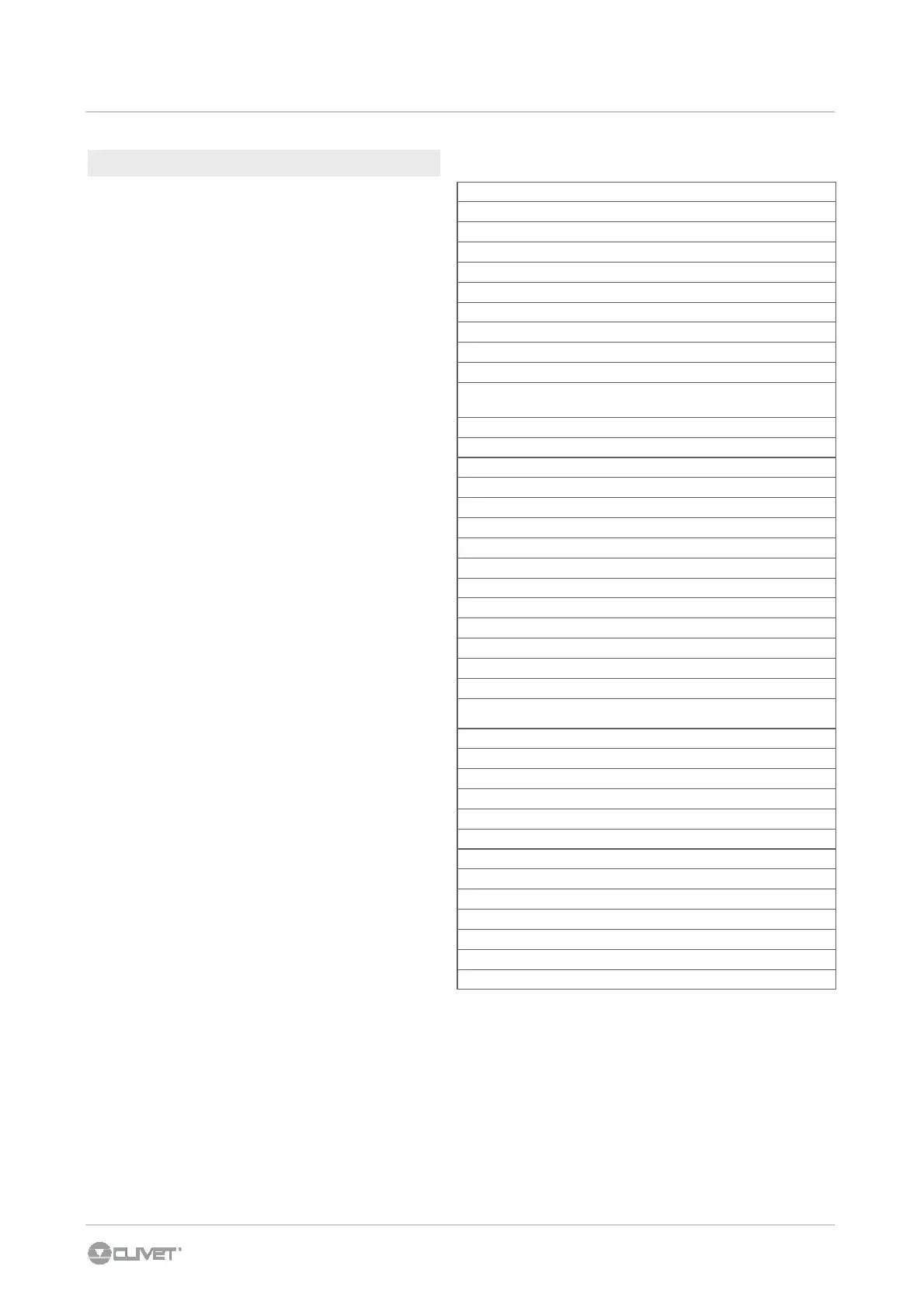
S01 ManSet °C
S02 SetUR %
S03
Request of total Vc capacity
%
S04
Capacity request to compressors
%
S05
Capacity delivered from free cooling/heating
%
S06
Capacity requested to the aux. element
%
S07
N. of active compressors
-
S08
Ext. damper opening
%
S09
Exhaust fan modulation
%
S10
Return air differential pressure
Pa
S11
Additional element modulation
(electric resistances / hot water coil)
%
S12
Operative return temperature
°C
S13
Supply temperature
°C
S14
Operative ambient RH%
%
S15
CO2 probe
Ppm
S16
Fresh air temperature
°C
S17
Fresh air RH%
%
S18
Temperature of the coil probe/source exchanger
°C
S19
Temperature of the aux. element antifreeze probe
°C
S20
Condensing pressure
Bar
S21
Evaporating pressure
Bar
S22
Condensing fan signal
%
S23
Return temperature
°C
S24
Current overheating
°C
S25
Thermostatic valve opening
%
S26
Supply air flow
m3/
h*10
S27
Signal of modulating supply fan
%
S28
Supply differential pressure
Pa
S29
Modulating humidifier signal
%
S30
Post heating request
%
S31
Functionning compressor 1 hours
S32
Functionning compressor 2 hours
S33
Compressor 1 starts
S34
Compressor 2 starts
S35
Software type
S36
Software version number
S37
Software release day
S38
Software release month
S39
Software release year
To access to the stata:
1. Press the On/Off + Fan button for 5 sec.
2. Enter the password: with ▲ ▼ buttons, set
Code = 1
3. Confirm with OK
4. The Sta menu appears, confirm with OK
5. Scroll the list of stata with ▲ ▼ buttons
6. To esc scroll the list, select ESC
and confirm
with OK



 To Next Page