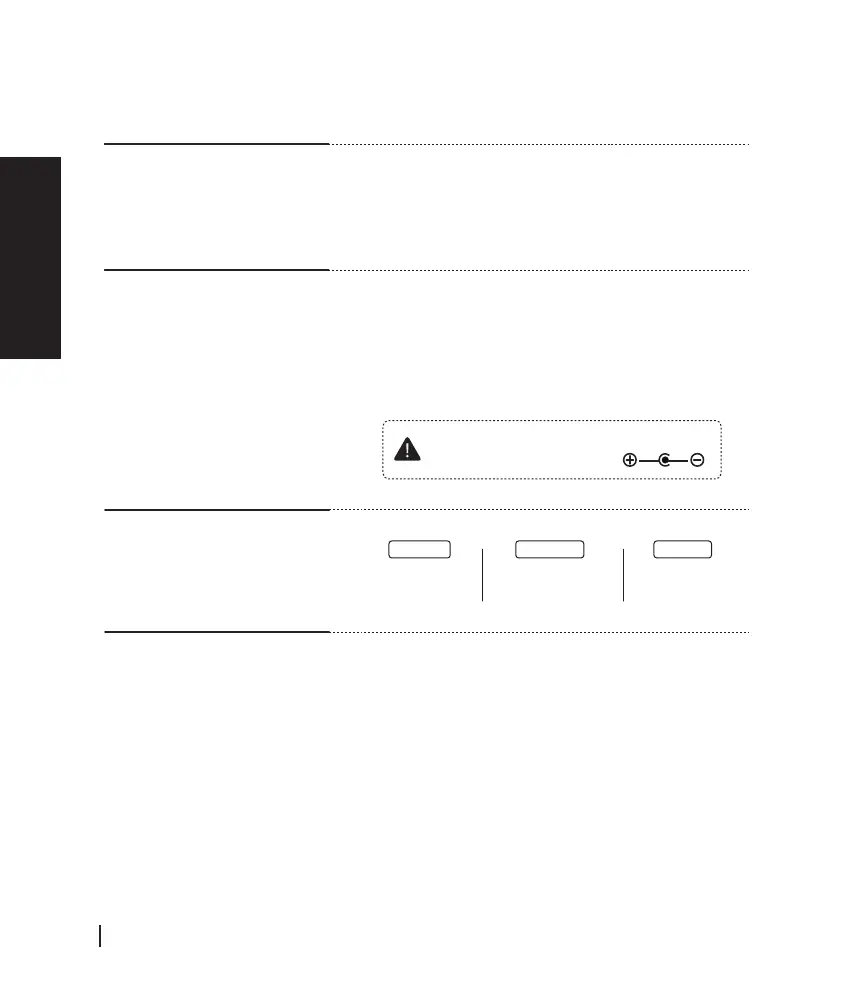
Please check polarity as indicated when
using your own power supply.
⑫ LINE / DI OUT
Stage Receiver output is defined as:
1. DI OUT (to mixers): balanced signal via 6.3mm TRS
to XLR cable.
2. LINE OUT (to amps): unbalanced signal via 6.3mm
TS cable.
⑬ DC INPUT
Power supply input range (7-9 Volt DC)
There are two methods of supply power by using
power DC7V Converter Cable:
1. Connect it to power adapter (5V/2A), then plug
it into a wall socket.
2. Directly connect it to a power bank.
⑱ POWER INDICATOR
Battery time
< 10%
Battery time
80%~10%
Battery time
> 80%
Blue light Green light Red light
English
English
ISOLO LITE
User Manual
08

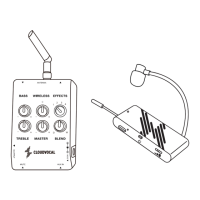

 To Next Page