20
Press the to set the picture.
Contrast Adjust the white level of the picture.
Picture Mode
Highlight the item and Press ENTER to enter the sub-menu,
that shows the picture mode you can choose:
Dynamic/Standard/Mild/User.
Brightness Adjust darkness of black sections in the picture.
Color Adjust the color intensity of the picture.
Sharpness Object edges are enhanced for picture detail.
19
Menu Operation
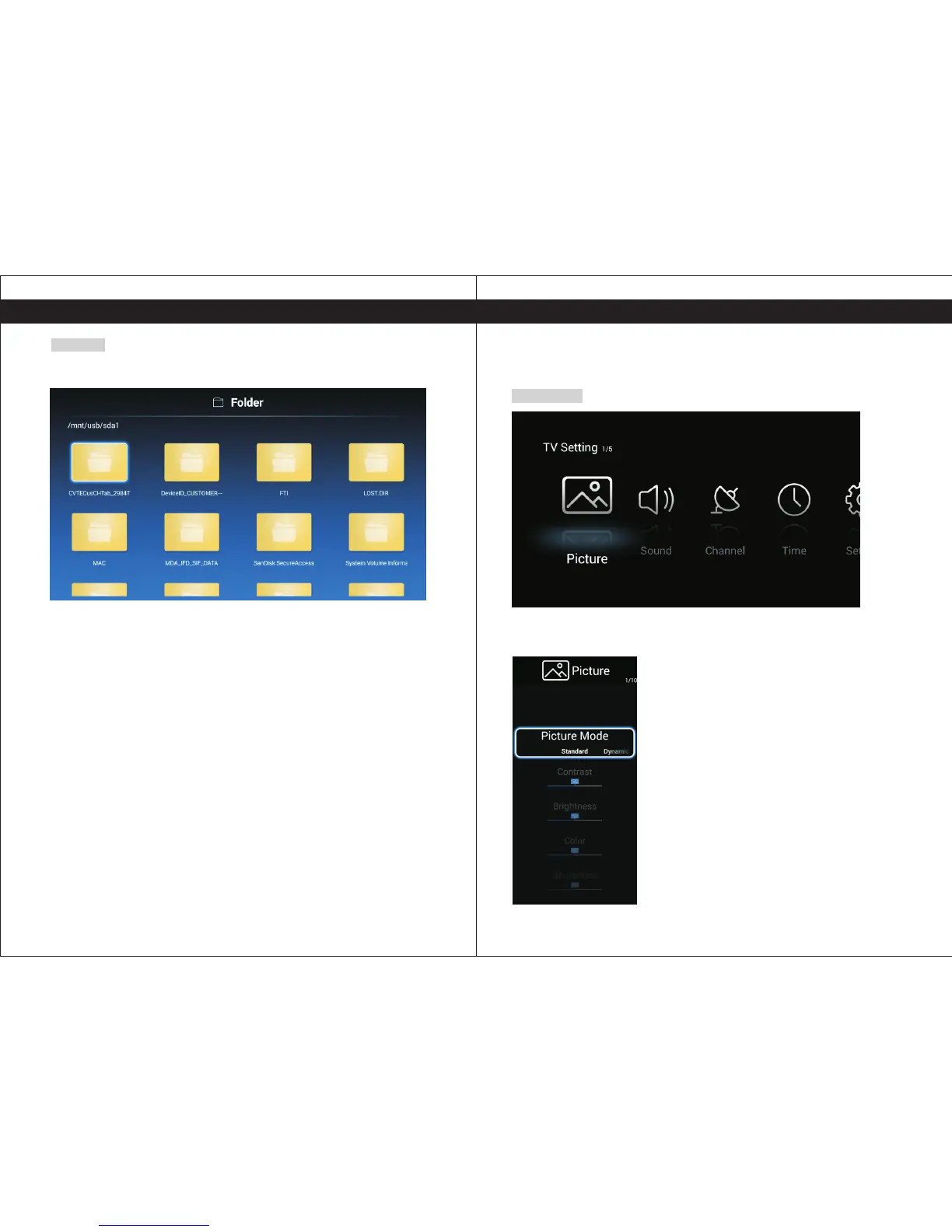
Folder
Click "Folder" from Multimedia and use the navigation keys on your remote to select the
desired folder.
TV Settings
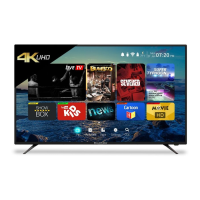
Press the MENU button to enter the TV Setting.
Picture
TV Settings


 To Next Page