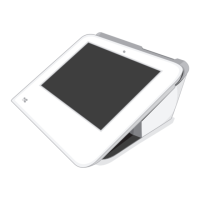
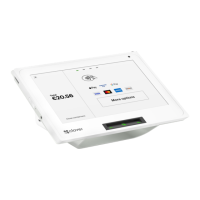
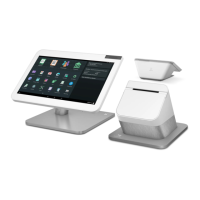
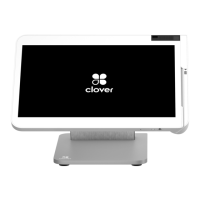
Merchants can view all their deployed Clover devices to ensure they have kept track of their
inventory through the Clover Web Dashboard. Once they log in, they can see all deployed
devices. Clover devices such as the Mobile and Flex are handheld devices, however, they can
be physically secured to a table or desk with the use of the optional Clover Dock.
P2PE Implementation Manual for PCI P2PE v2.0 Clover Network, Inc. April 2018
© 2018 Clover Network, Inc. All Rights Reserved. Page 50


 To Next Page