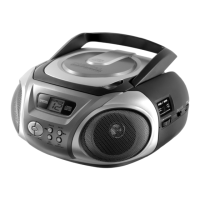
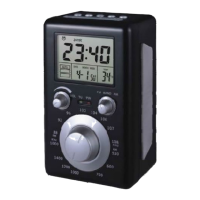
Radio
- 9 -
5.3. Program CD/ MP3 tracks
You can program your own playlist with up to 99 tracks.
1. During CD / MP3-CD playback press the STOP button
before programming.
2. Press the PROG. button until P01 is displayed.
3. Press NEXT() or BACK() until the desired track is
displayed.
4. Press the PROG. button to confirm.
5. Repeat step 3 and 4 to program further tracks.
6. Press the PLAY/PAUSE/USB button to start playback.
6. Radio
6.1. Listen to radio
1. Set the function switch to RADIO.
2. Select AM, FM or FM Stereo.
3. Turn the tuning knob to tune into your favourite radio
station.
For best reception point the antenna in a different direction or
choose a different location.



 To Next Page