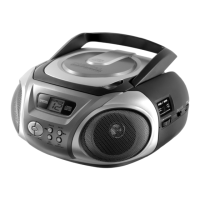
External components
- 10 -
7. External components
7.1. Connect earphones
1. Connect you earphones or headphones.
The speakers are muted if earphones are connected.
To avoid hearing problems do not use earphones or
headphones for an extended period of time.
Increased sound pressure from earphones or
headphones can cause hearing loss.
7.2. USB 2.0
Extend your system by connection your MP3 player or USB stick.
Do not disconnect the device when „USB“ mode is
selected.
1. Connect your MP3 player or USB stick.
2. Set the function switch to MP3/CD.
3. Press the STOP/SD or PLAY/PAUSE/USB button until
“USB” is displayed.
4. Press the PLAY/PAUSE/USB button to start playback.
To avoid damage only disconnect the device after
pressing the
STOP button and selecting a different mode
with the function selector.



 To Next Page