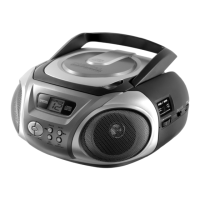
CD-Player
Version 2 cmx® CRC 7210 Side 10 from 14
“SKIP+10/FOLDER” will perform the “SKIP+10/FOLDER”
“SKIP+10” function.
5.4. CD repeat
At anytime during playback, press the
“REPEAT/PROGRAM” key once, than the set will repeat the
current track (Repeat symbol will “flash”).
At anytime during playback, press the
“REPEAT/PROGRAM” key twice, than the set will repeat all
tracks (Repeat symbol will stay “on”.
5.5. Programming
The CD player can be programmed to play any sequence of up to
20 (CD) or 99 (MP3-CD) tracks, as desired.
Always press the ”STOP” key before starting the
programming.
Press the “REPEAT/PROGRAM” key, the display will show
a “P” symbol and the display will show “po1” to indicate that
the set is now in “memory programming mode”, at memory
position No. 1.
Press the “BACK” or “NEXT” to select the track (song)
number you wish to be stored in the first memory (program)
position, and press the “REPEAT/PROGRAM” key to
confirm your selection.
Repeat the previous 2 Steps, each time selecting any track
number of your choice to be stored in the successive
memory (program) positions.
After each track number, remember to press the
“REPEAT/PROGRAM” key.



 To Next Page