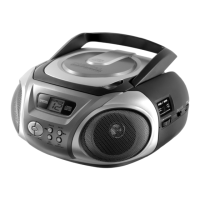
Radio
Version 2 cmx® CRC 7210 Side 12 from 14
6. Radio
Set the function switch to “radio”.
Set the radio band selector switch to the desired band.
FM radio reception: fully extend the FM antenna wire
and adjust its position
AM (MW) radio reception: rotate or re-position the
main unit
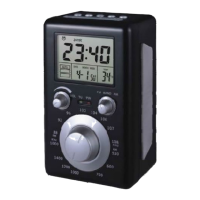
Rotate tuning knob to tune-in the desired station, as
displayed in the LCD digital display.
Adjust the volume to desired level.



 To Next Page