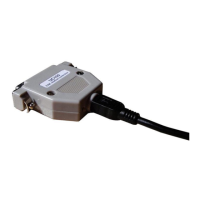
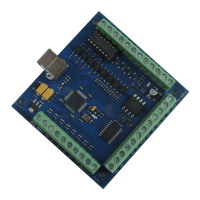
1) The switch for step selection selector
- X1,x10 step moving
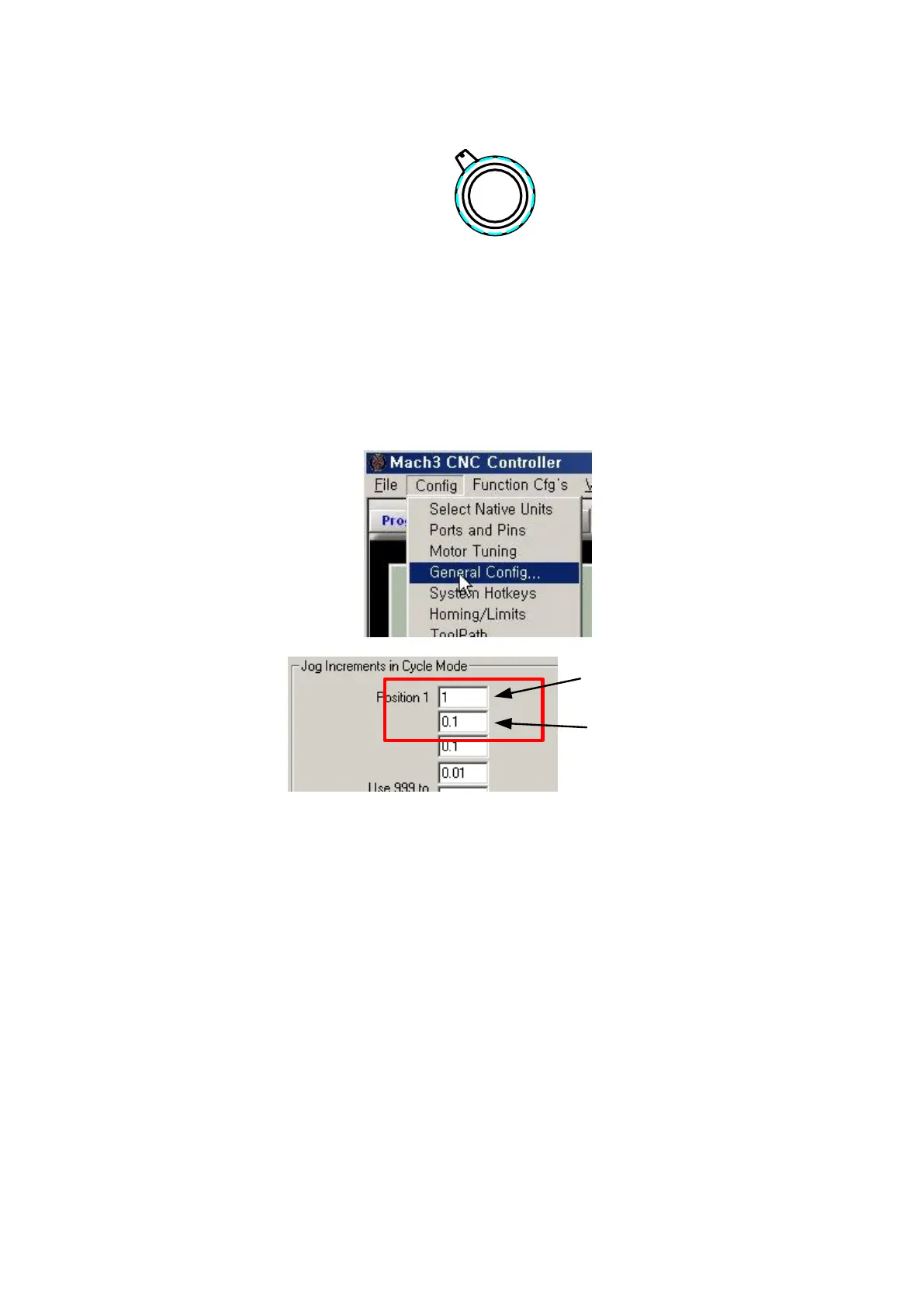
Selection of step can be moved to a set step in JOG Increments in Cycle Mode in
General Config as below picture.
Basically, it is made by 1 & 0.1 step.
If you turn JOG Handle in this mode, it is moved to a set step.
- Fine moving
This is not step transfer and is for low speed moving.
If need, you use it.
- OFF
This does not use JOG Handle function and even if it is turned, does not moving.



 To Next Page