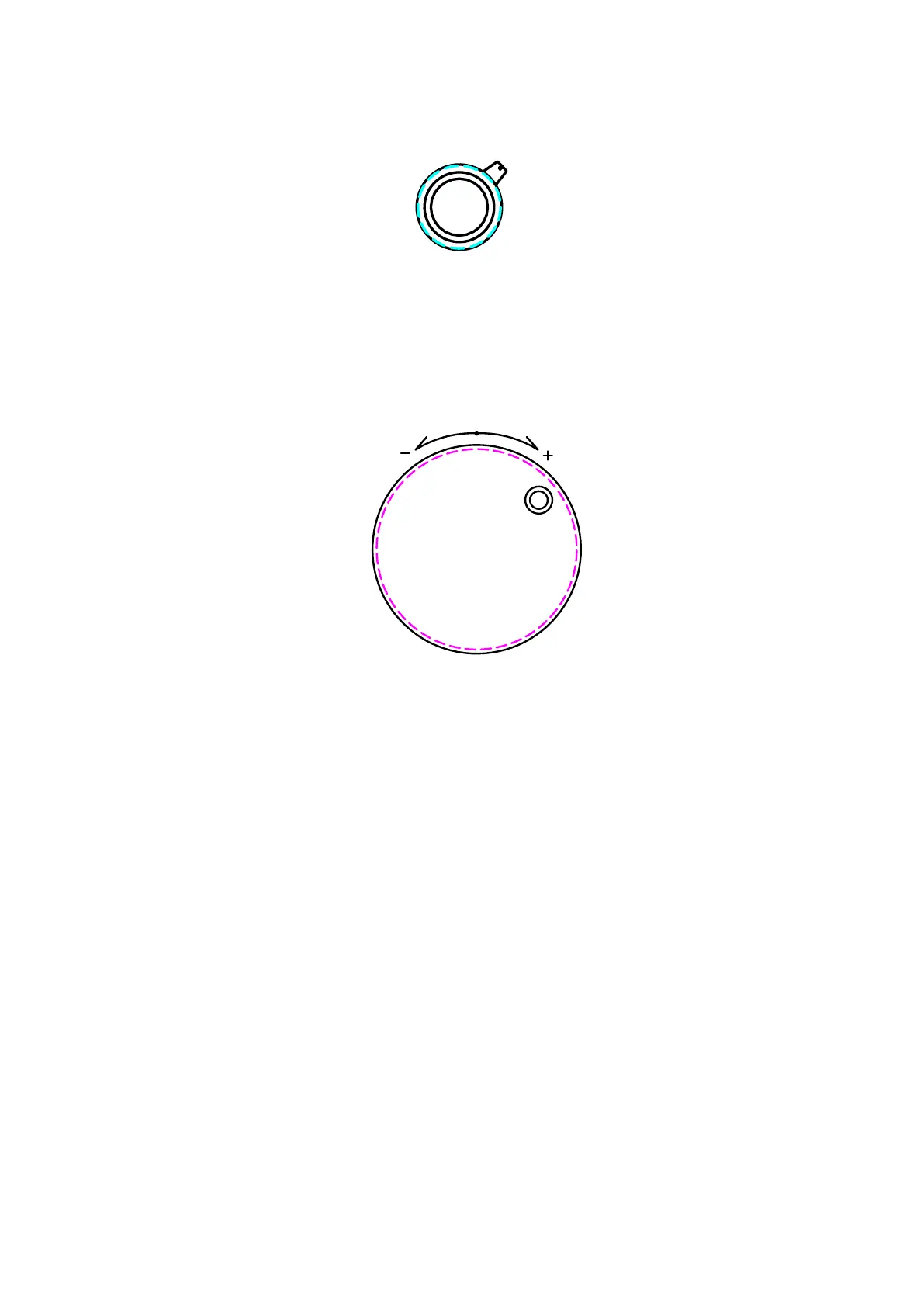
2) Selector Switch for Axis Selection
This product supports 4 – Axis and buttons & JOG’s dial can work by choosing a
axis that you want to.
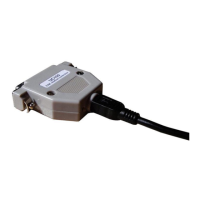
3) JOG Handle
JOG Handle plays a role to provide rotation pulse
when step & fine moving.
It it turns right, the value increases and if turns left, the value decreases.
If runs mach3 program, the feed rate is set to 6.00
Click “Feed Rate” → Input “5000 or so” → Enter
If the feed rate is low, the speed of moving goes down remarkably and you can
see that the speed is low when turning by JOG Handle.



 To Next Page