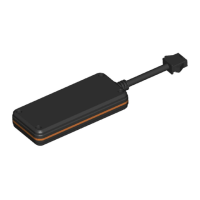
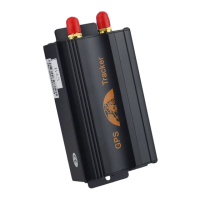
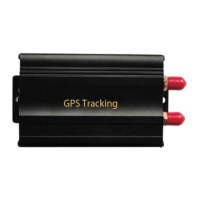
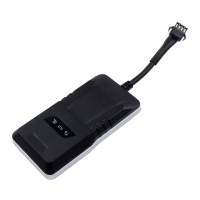
For the first time activating the device, once Sim card is inserted, device
will be on automatically.
3.1 SIM Card Pre-installation, specification note
a. GSM Sim Only
b. SIM card should have its GPRS function enabled.
c. SMS request will function only if Caller ID function is enabled.
3.2 SIM Card Installations and Removal
a. Open waterproof rubber
b. Insert SIM card into the SIM slot.
c. Do not install it in a environment which is more than GSM performance
d. Call the device SIM number and it is supposed to get through
e. Ensure the waterproof rubber is closed after SIM installation
3.3 Device light description


 To Next Page