Batteries
18
Connecting to power
The charger can be supplied with DC or AC.
DC: Connect the 12-24VDC Connection Cable between the DC supply and
the connector on the underside of the charger.
AC: Connect the AC/DC adapter to the connector on the underside of the
charger. Then connect the AC/DC adapter to the AC outlet.
Recharging the secondary battery
To recharge the secondary battery, place the radio with battery or the
battery alone in the front position of the charger cradle.
If the radio cannot turn on due to completely discharged battery, then
turn off the radio and place it in the charger or charge the battery alone.
The light indicators on the charger cradle show the status as follows:
• Green light: Power is connected to the charger.
• Slow red flash: Charging in progress.
• Quick red flash (twice per second): Charging error, e.g. battery
defect or temperature out of range.
• Steady red light: Charging completed. Trickle charge mode.
Charging time with emtpy battery: VHF off
approx. 4 hours, VHF on: approx. 5 hours.
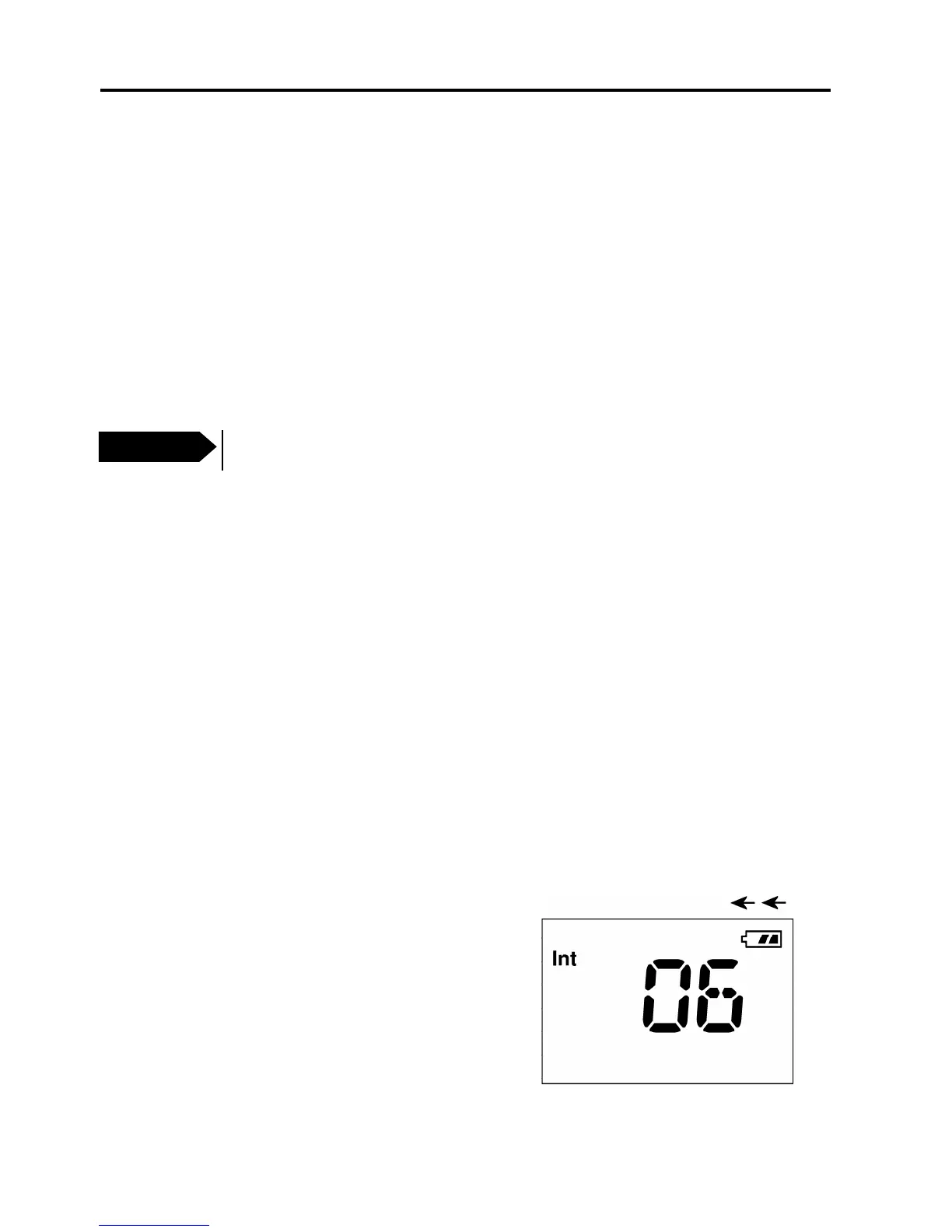
The battery indicator on the radio display
indicates if the radio is placed in the
charger while radio and charger are both
powered.
Important
Do not attempt to recharge the yellow primary battery!
0806


 To Next Page