7
M a v e r i c k B o a t C o m p a n y , I n c . • 3207 I n d u s t r i a l 2 9 t h S t . • F o r t P i e r c e , F l o r i d a 34946 • ( 7 7 2 ) - 465- 0631 or
( 8 8 8 ) - s h a l l o w • F a x : ( 7 7 2 ) 489- 2168
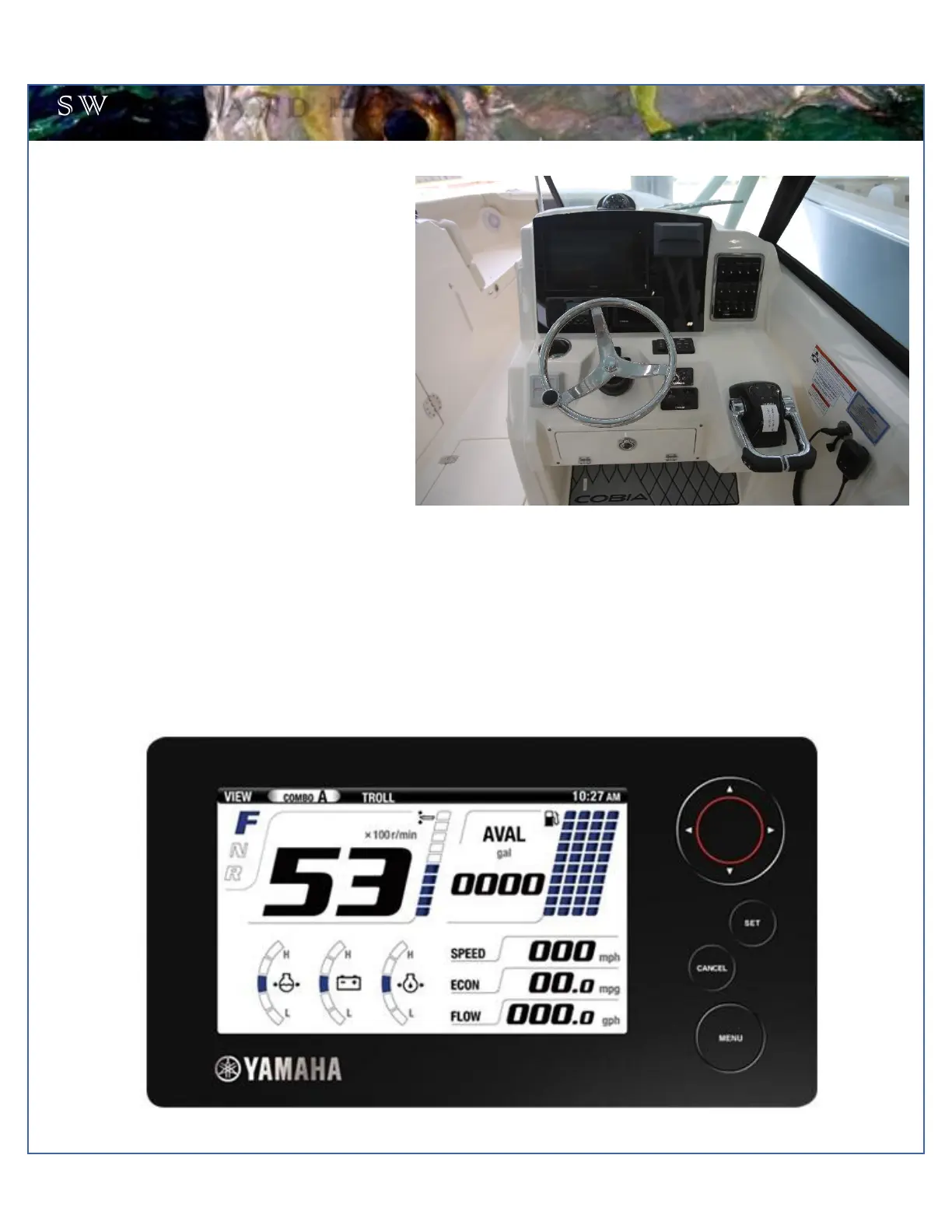
Switch Panel & Helm
At the helm of the 280 DC, you have a main switch
panel, which is located to the left of the steering
wheel. This panel controls your lights, horn,
accessories, livewell, and your bilge. When the
“NAV” light switch is in the “on” position, the labels
for the switches will be illuminated. To the right of
the steering wheel you may have your two trim tab
switches, which are standard on the 280. (Refer to
page 22 for trim tab operation.)
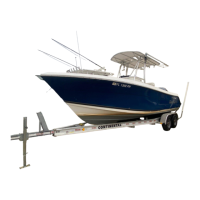
Command Link Gauges
Yamaha’s new 6YC Command Link gauge comes standard on your new Cobia. This gauge allows access to more information
and is user-selectable so you can choose the functions displayed. Speed data can be displayed from a pitot tube, Triducer,
or NMEA protocol GPS unit. To learn the gauge’s full functionality, refer to your Yamaha engine owner’s manual located in
the Cobia duffel bag.


 To Next Page