EasyManua.ls Logo

Cobra Systems Striker III - User Manual

Default Icon
16 pages
Print Icon
To Next Page IconTo Next Page
Loading...
User Manual
Version 4.0 (8/2020)
Instantly Print Service Reminder Stickers
Striker v4.0
Service Reminder System
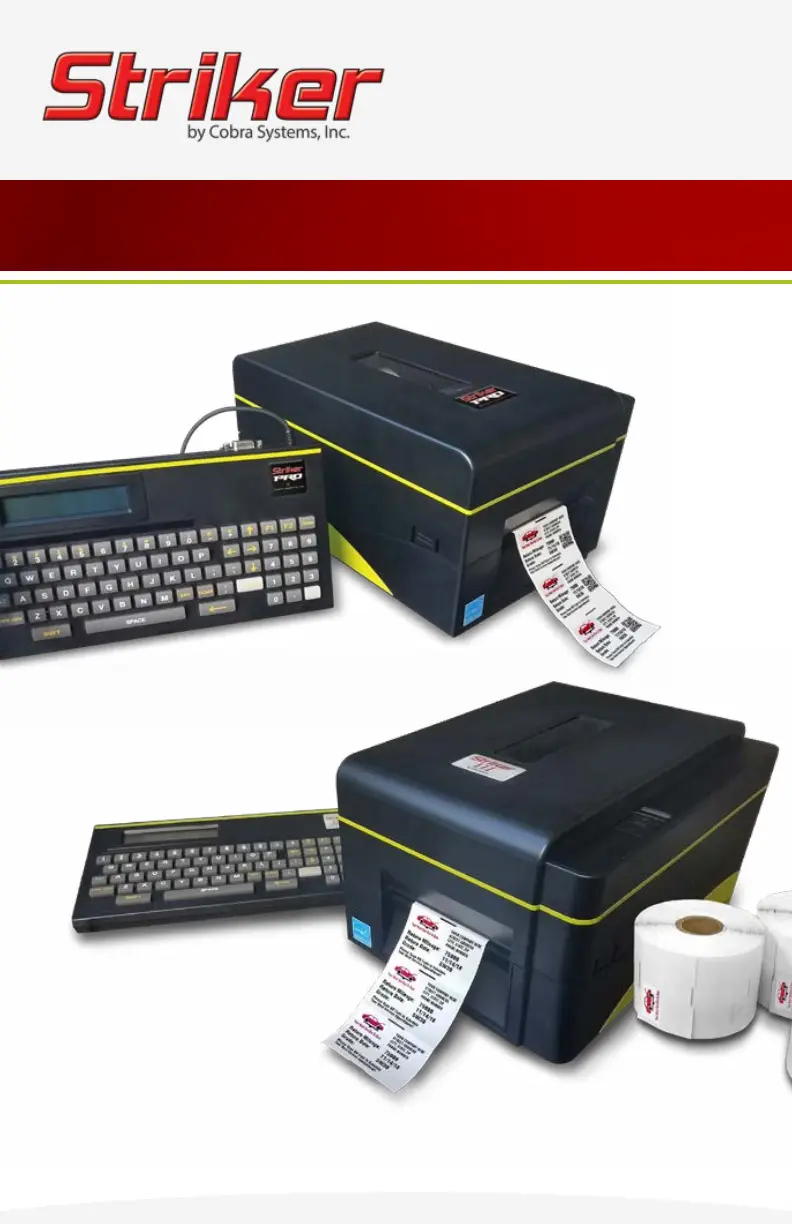
Striker Pro
Striker III
Copyright © 2020 Cobra Systems, Inc. All rights reserved

Questions and Answers

Summary

Striker Quick Start Guide

Loading Reminder Stickers

Step-by-step guide to load the sticker rolls correctly.

Loading Ink Rolls

Step-by-step guide to load the ink ribbon rolls correctly.

Connecting Keypad and Power

Instructions for connecting the keypad and power supply.

Printer Setup Completion

Final steps to prepare the printer for operation.

Loading Striker Ink Rolls

Printer Preparation

Turning off the printer and opening the cover.

Ink Carriage and Spindle Setup

Releasing carriage, loading spindles, and feeding ribbon.

Ribbon Tensioning and Closing

Adjusting ribbon slack and closing the printer cover.

Loading Striker Labels

Printer Preparation and Carriage Release

Turning off printer, opening cover, and releasing ink carriage.

Sticker Spindle Loading

Loading the sticker roll onto the spindle and centering guides.

Sticker Routing and Sensor Path

Guiding stickers through printer and under print sensor.

Final Sticker Loading Steps

Pulling stickers out and closing carriage/cover.

Troubleshooting Striker System

Technical Support

Cobra Systems Striker III Specifications

General IconGeneral
BrandCobra Systems
ModelStriker III
CategoryLabel Maker
LanguageEnglish

Related product manuals