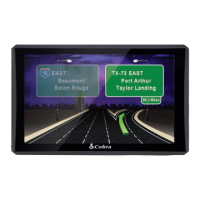
Enter Truck Info
• UndertheSettings tab in the main menu, tap the
My Truck icon to input your truck type.
• Chooseyouraxelcongurationandpress
• Tapeachboxtoenteryourtrucknameandcustomize
yourvehicle’sspecications.
• Whennished,pressSave. Now you are ready
to navigate.
Find an Address
•UndertheNavigate To tab in the main menu, tap the
Enter Address icon to navigate to an address.
•Clicktheappropriateboxestoenteryourdestination’s
State/Zip,City,Street,andHouseNumber.
•Asyoutypeusingthekeyboard,thelistwillautomati-
callylteryourresults.YoucanpressView List to
scroll through the results or simply tap on your desired
destination.
•Whennished,pressandthenconrmyour
truck information and press again.


 To Next Page