Route Option
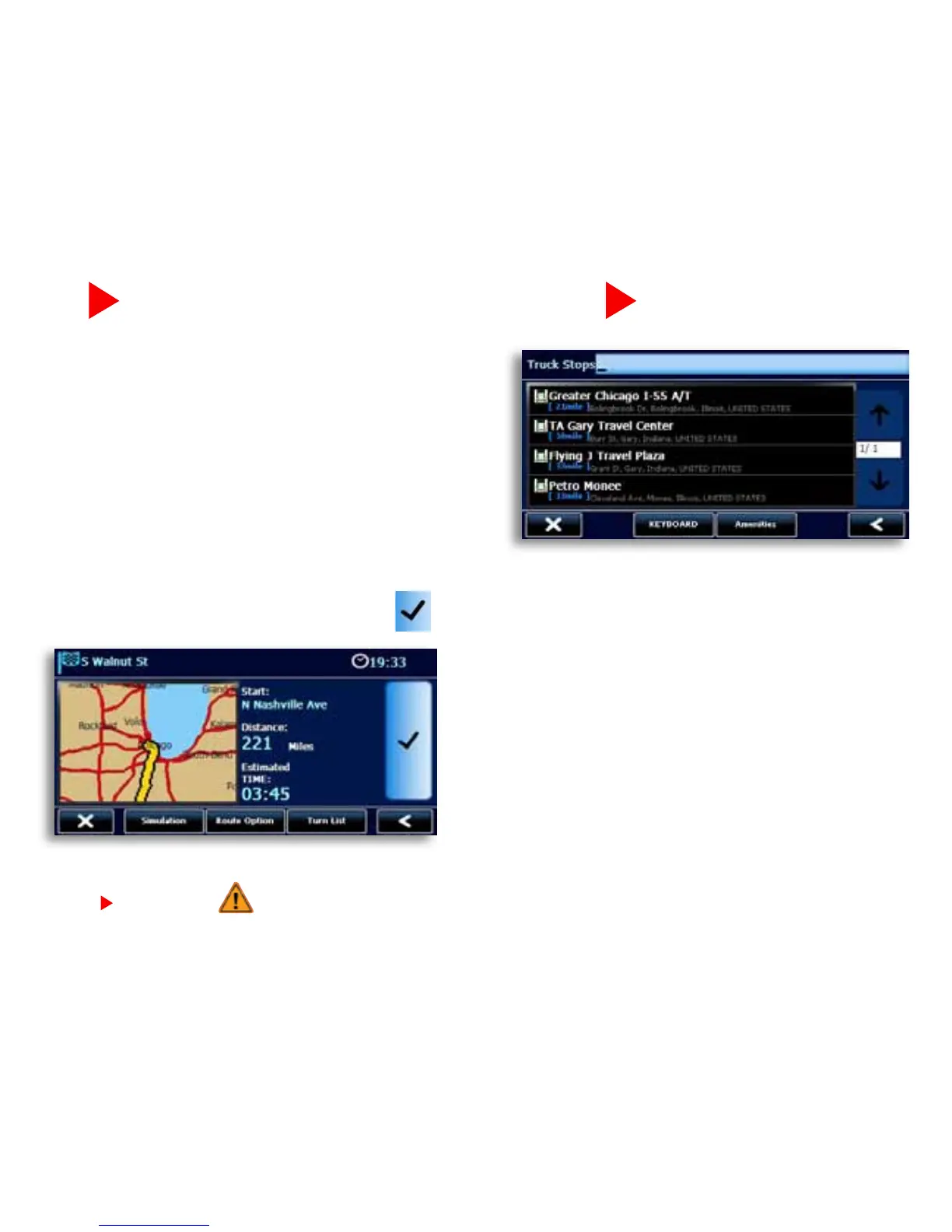
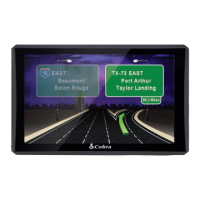
• TheRoute Option Page allows you to view
andcustomizeyourroute.
• PressSimulation for the unit to run a real time
simulation of your route including turn instructions
and warnings.
• PressRoute OptionstoCustomizeyourroute.
This page allows you to avoid tollways and
freeways, give preference to STAA routes, avoid
specicroads,addvialocations,orchangeyour
starting point.
• PressTurn List for detailed turn instructions for
your route.
• Whenyouarecomfortablewithyourroute,press
to begin navigating.
Find a POI
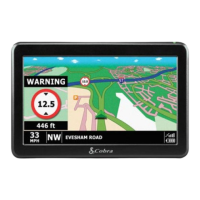
•The7600PROhasanextensivedatabaseofTruck
SpecicandStandardPointsofInterest.Underthe
Navigate To tab, click the Point of Interest icon.
•Choosewhereyouwouldlikethe7600PROtocenter
the search.
•FortruckspecicPOI’stapProMiles
®
/TruckDown
®
Truck Specific POI.
•ForstandardPOIschoosetheappropriatecategoryor
press All to do a keyboard search of all categories.
NOTE: If you see on your map screen it means that you are not on the STAA National Network. The 7600 PRO does not have truck
specific data for these areas so be alert and follow local restrictions and posted signs.


 To Next Page