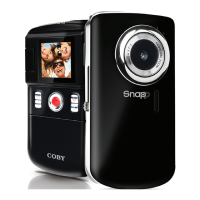
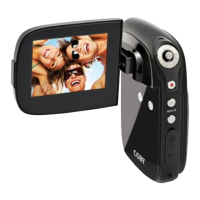
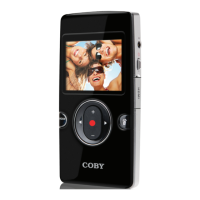
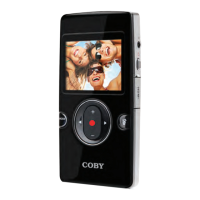
Camcorder at a Glance
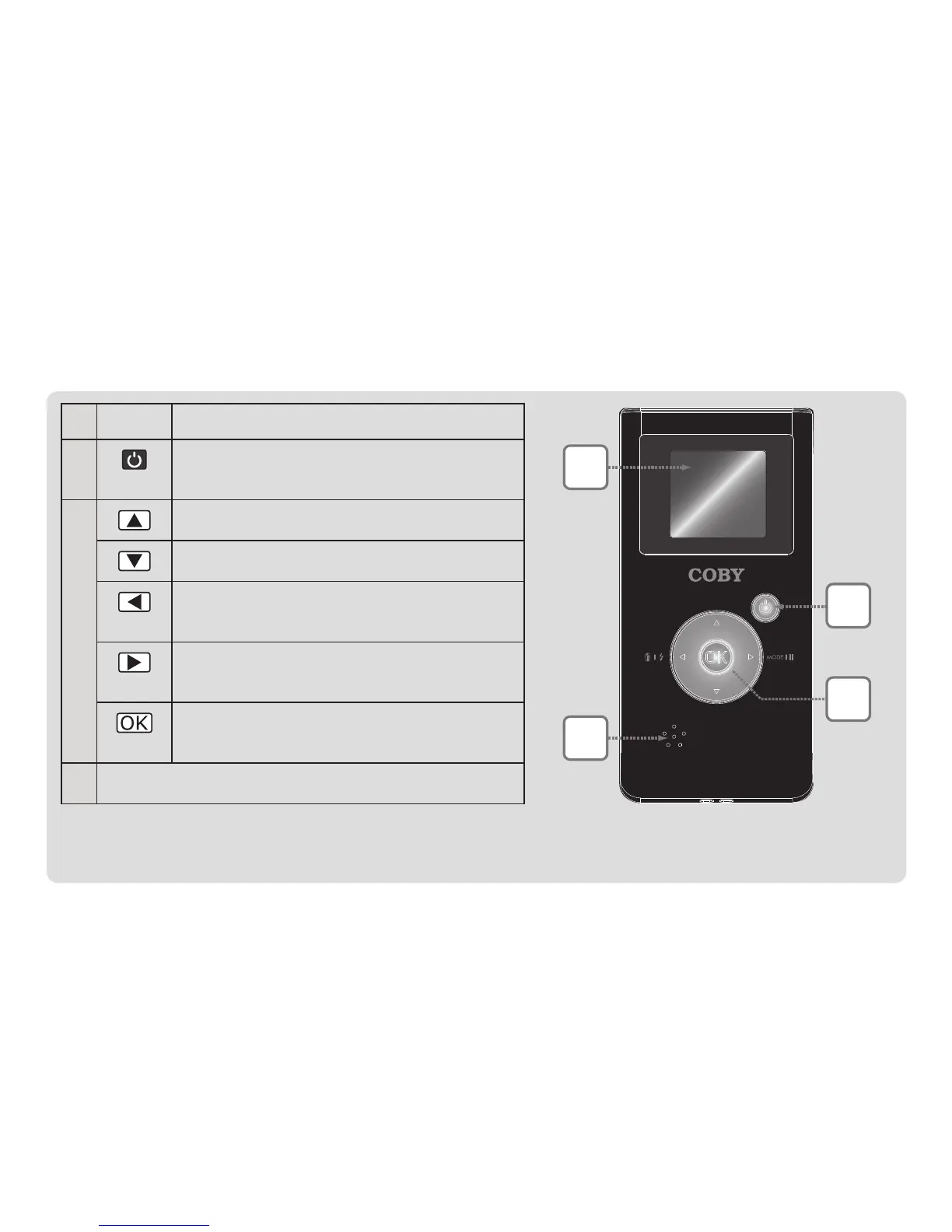
1 LCD Viewnderdisplay.
2
Power:pressandholdtoturnon;
presstoturnoff.
3
[Video,Photo]:Zoomin.
[Video,Photo]:Zoomout.
[Video,Photo]:Toggleassistlamp.
[Review]:Deletele.
Switchfunctionmode.
[Video]:Pauserecording.
[Video,Photo]:Record/Stop.
[Review]:Play/Pause.
4 Speaker


 To Next Page