Recording a Video
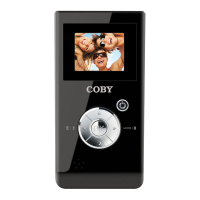
ToenterVideomode,press untilthe iconappearsinthetop-leftcorneroftheLCD.
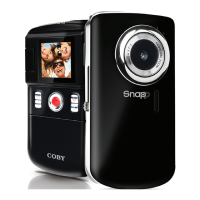
Pointthelensatthesubjectyouwishtocapture.
Press
tostartrecording(thetimecounterinthetop-rightcorneroftheLCDwillstart).
Press againtostopandsavethevideo.
Whenyouarerecordingavideo:
Press•
topause/resumerecording.
Press•
toincreasethedigitalmagnication.
Press•
todecreasethedigitalmagniaction.
Press•
totogglethelow-lightassistlamp.


 To Next Page