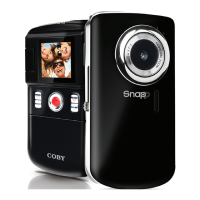
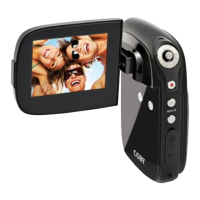
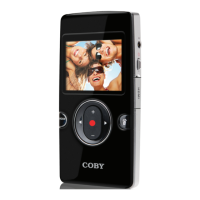
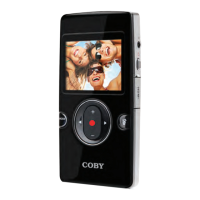
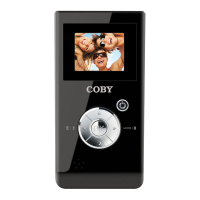
Camcorder at a Glance
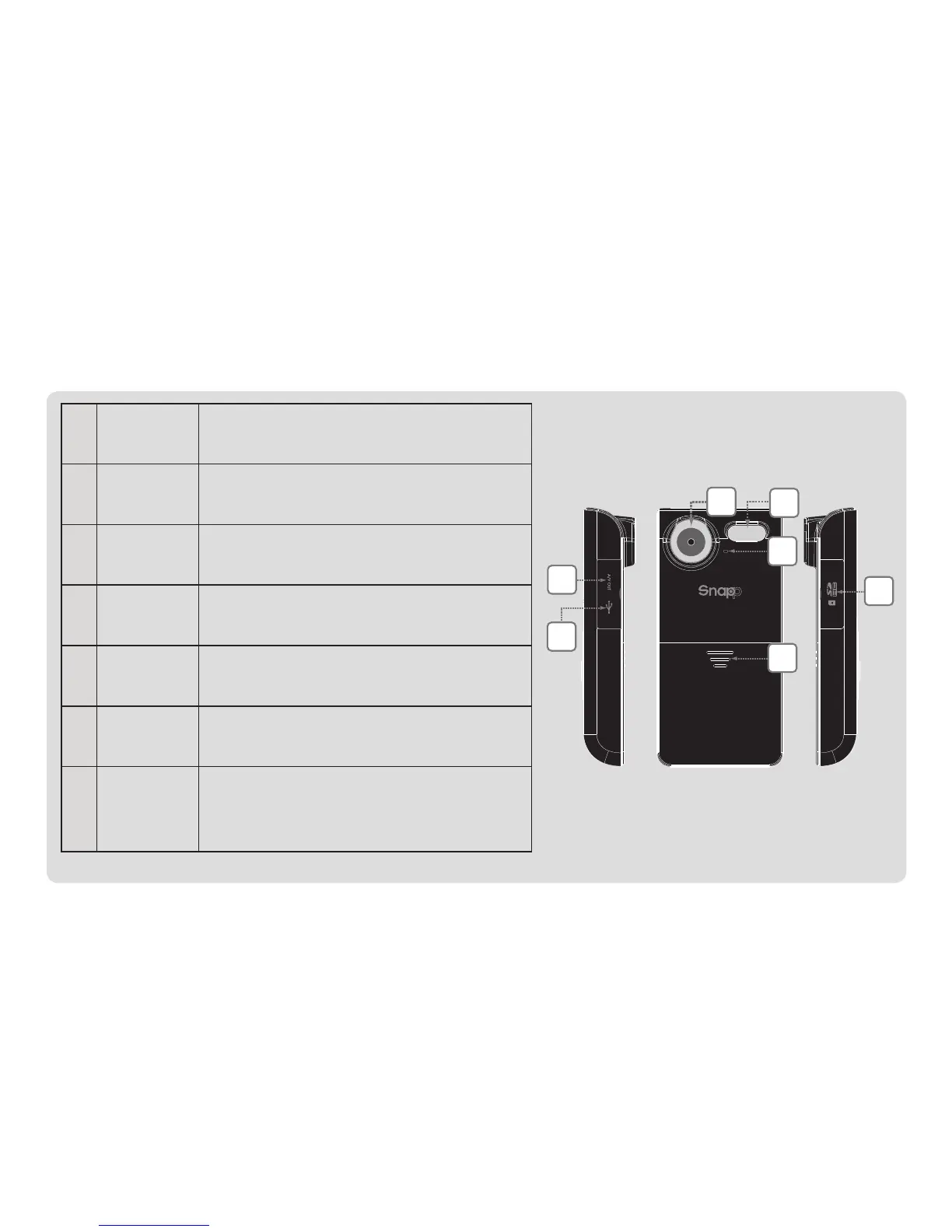
1 AVOut ConnecttheAVcabletothisjack
todisplayvideoonaTV.
2 USB ConnecttheUSBcabletothisport
totransferlestoacomputer.
3 Lens Pointthelenstowardsthesubject
youwanttocapture.
4 Assist
Lamp
Improvespicturequalityinlow-
lightsituations.
5 Micro-
phone
Capturesaudioduringvideo
recording.
6 Battery Slidethecoverdowntoinstallor
replacebatteries.
7 Card
Slot
LoadSDorSDHCmemorycards.
TheCAM3000supportsupto
8GBcapacitycards.


 To Next Page