Page 19 Getting Started
English
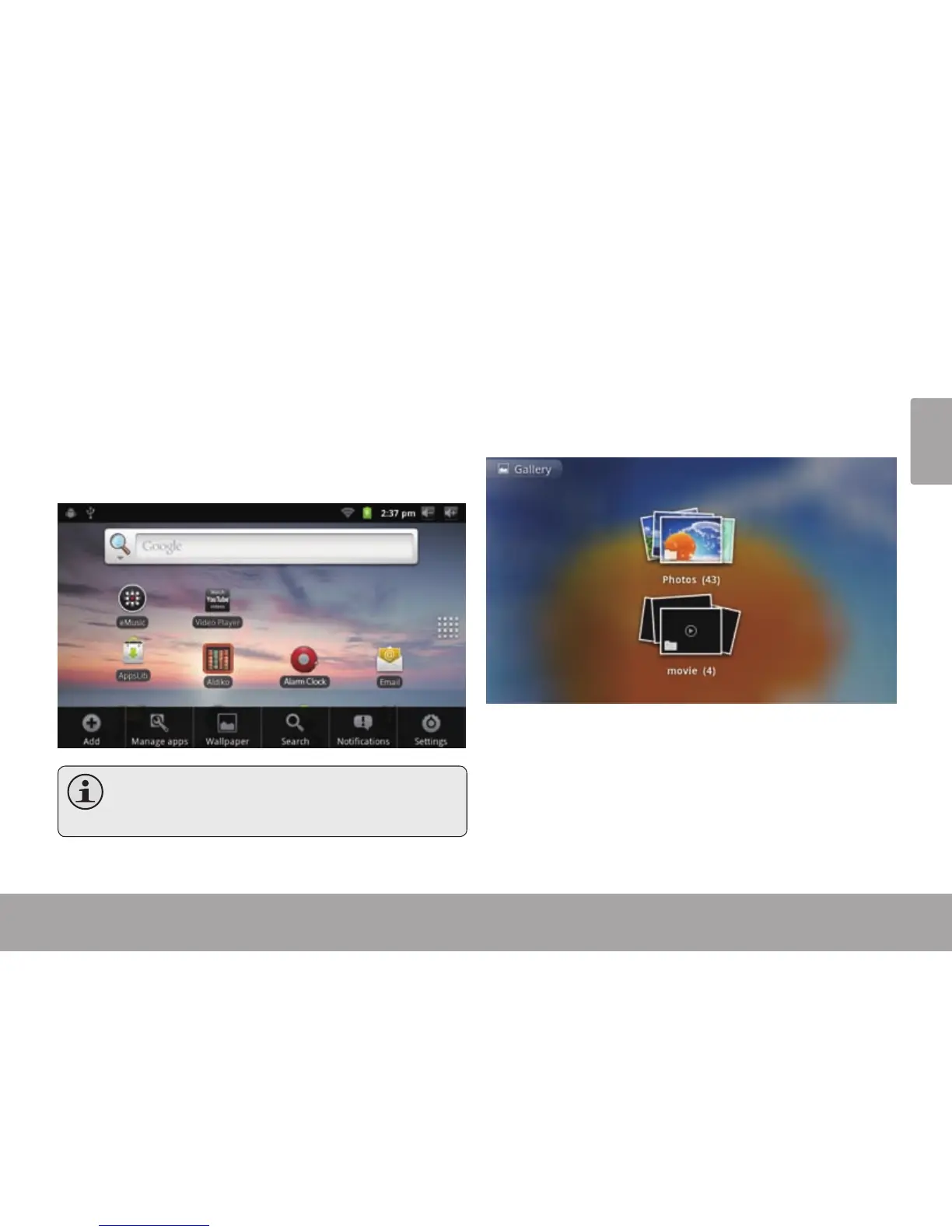
There are two types of menus used by the tablet.
1. Option menus.
Option menus contain items related to the current screen
or application. To view an option menu, press the Menu
key.
Notallscreensorapplicationshaveanoption
menu; if a menu does not exist, nothing will
happenifyoupresstheMenukey.
2. Context menus.
Context menus contain items related to a specic item on
the screen. To view a context menu, touch and hold an
item on the screen.
Touch & hold Photos.



 To Next Page