Page 34 Optional Connections
English
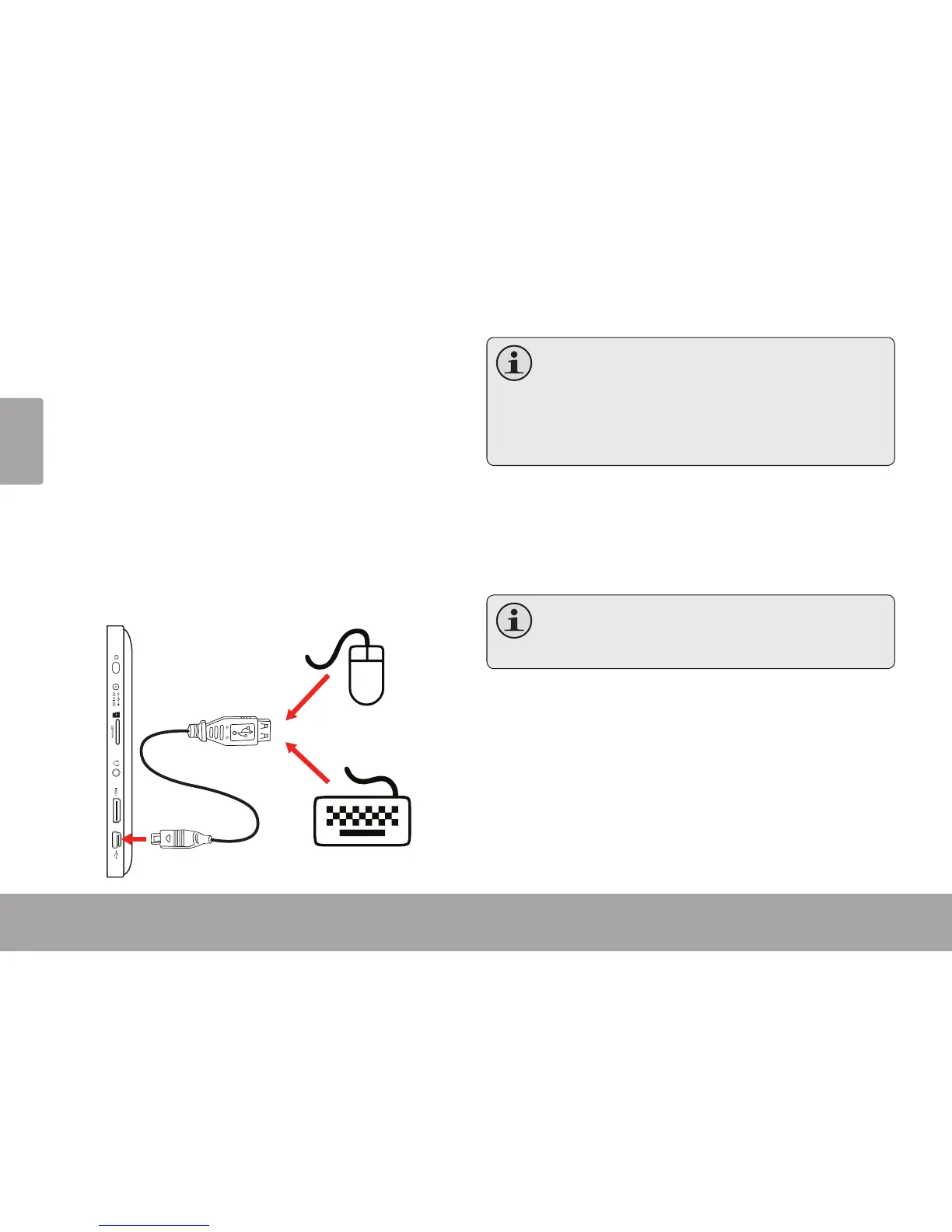
The USB full-size adapter can be used to connect and
use USB devices with the tablet. The adapter converts
the mini USB port on the tablet into a USB On-the-Go
(OTG) connector.
Connecting a Keyboard
For times when you want to type for an extended period
of time, you may want to connect a full-size keyboard to
the tablet.
Use the included USB full-size (Type A) adapter to con-
nect a keyboard to the tablet.
Youmay also use this connection to add a
mousetothetablet.
Theadaptersupportsoneconnectionatatime.
Touseakeyboardandmousesimultaneously,
youwillneedtoaddanexternalUSBhub.
Connecting a Storage Device
Use the included USB full-size (Type A) adapter to
connect a storage device to the tablet (e.g., a USB ash
memory drive).
Thisconnectionsupportsamaximumstorage
sizeof4GB.Foradditionalstoragecapacity,a
microSDcardcanbeaddedtothetablet.



 To Next Page