Page 23 Connecting To The Internet
English
The Notication bar displays icons that indicate your
tablet’s Wi-Fi status.
Connected to a Wi-Fi network (waves
indicate connection strength).
[no icon]
There are no Wi-Fi networks in range, or the
Wi-Fi radio is off.
1. Turn on the Wi-Fi radio if it is not already on. To
turn on Wi-Fi:
a. Go to the Home screen:
Press the Home key.
b. Open the Settings menu:
Press the Menu key, then touch Settings.
c. Open the Wireless & networks menu:
Touch Wireless & networks.
d. Open the Wi-Fi settings menu:
Touch Wi-Fi settings.
e. Make sure that the Wi-Fi option box is checked:
Touch Wi-Fi.
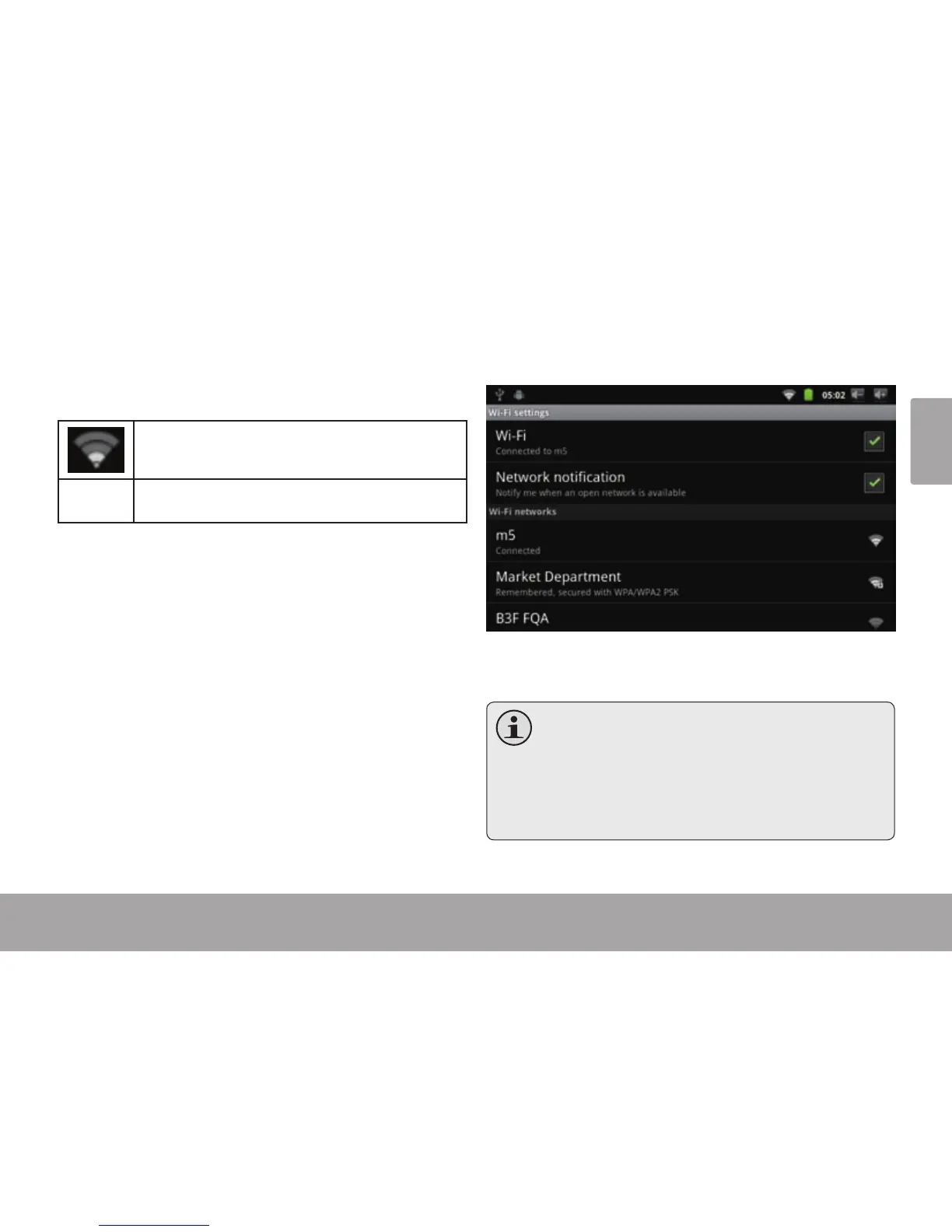
When Wi-Fi is on, the tablet will look for and display a list
of available Wi-Fi networks.
Ifanetworkthatyouhaveconnectedtoprevi-
ouslyisfound,thetabletwillconnecttoit.
If you don’t see your network in the list, you
can force the tablet to re-scan. To scan for
networks,presstheMenukey,andthentouch
Scan.



 To Next Page