Page 25 Browsing The Web
English
Â
The Browser application lets you visit webpages and nd information on the web. Keep up with the news, your friends, or
enjoy video from YouTube™, the world’s most popular video-sharing community.
To use Browser, the tablet must be
connected to the Internet. Read the sec-
tion “Connecting to the Internet” to learn
how to connect to the Internet.
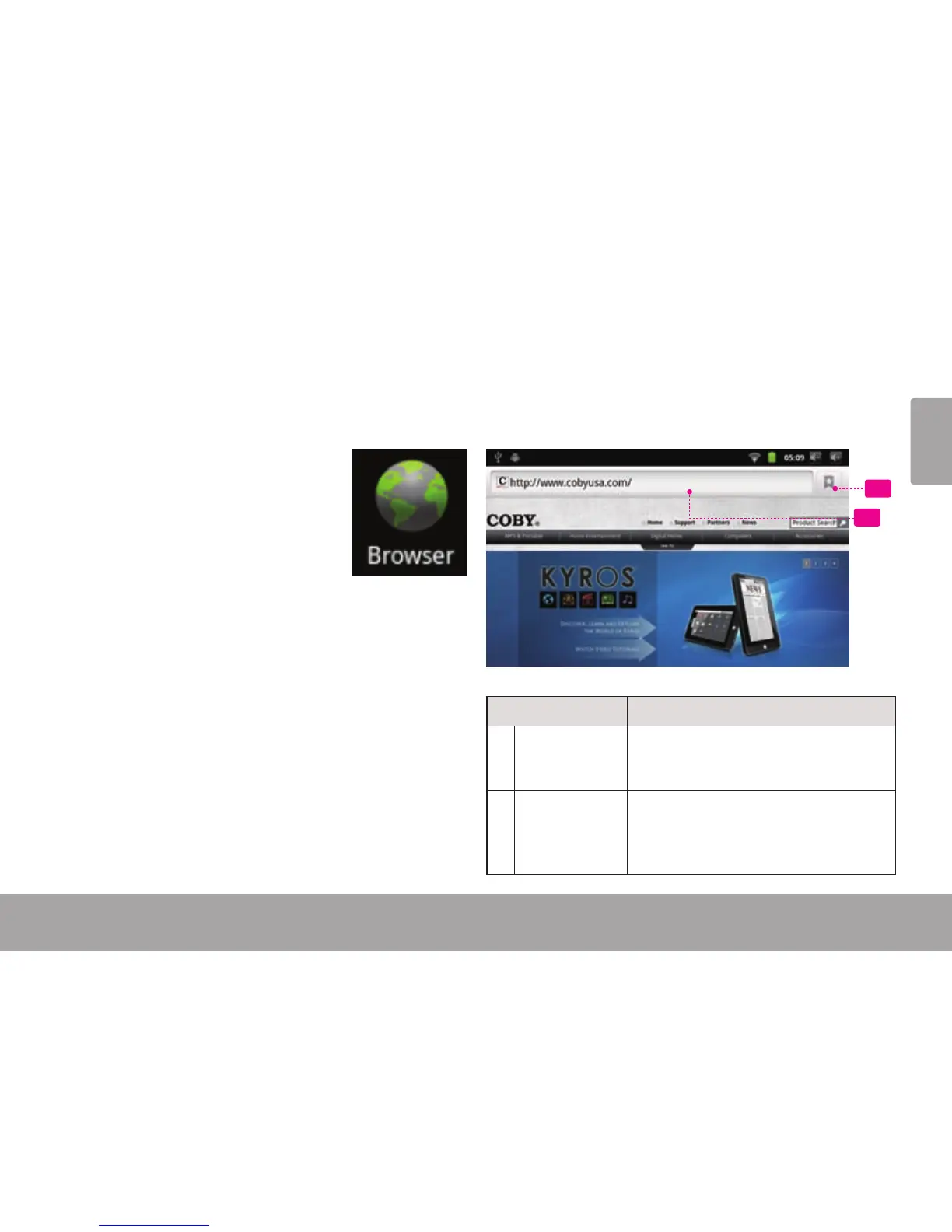
To open Browser, touch the Browser
icon on the Home screen or in the
Launcher.
1
2
Name Description
1 Address bar Displays the address (URL) of the
current page. Touch the bar to enter a
new address or to search the web.
2 Bookmark
icon
Touch the Bookmark icon to add or
view bookmarks, to view your most
visited sites, or to view your browser
history.



 To Next Page