Page 29 Managing Applications
English
You can learn more about AppsLib, and browse applica-
tions by visiting their website at www.appslib.com.
Some developers allow you to download and
installapplicationsdirectlyfromtheirwebsite.
Supportforthird-partyapplicationsisprovidedby
therespectiveapplicationdeveloper.Cobyisnot
responsibleforthebehavioroftheseapplications;
please review the descriptionand terms of use
providedbythird-party developers carefully be-
foreinstallingapplicationsonyourtablet.
To uninstall an application:
1. From the Home screen, press the Menu key.
2. Touch Settings to open the Settings menu.
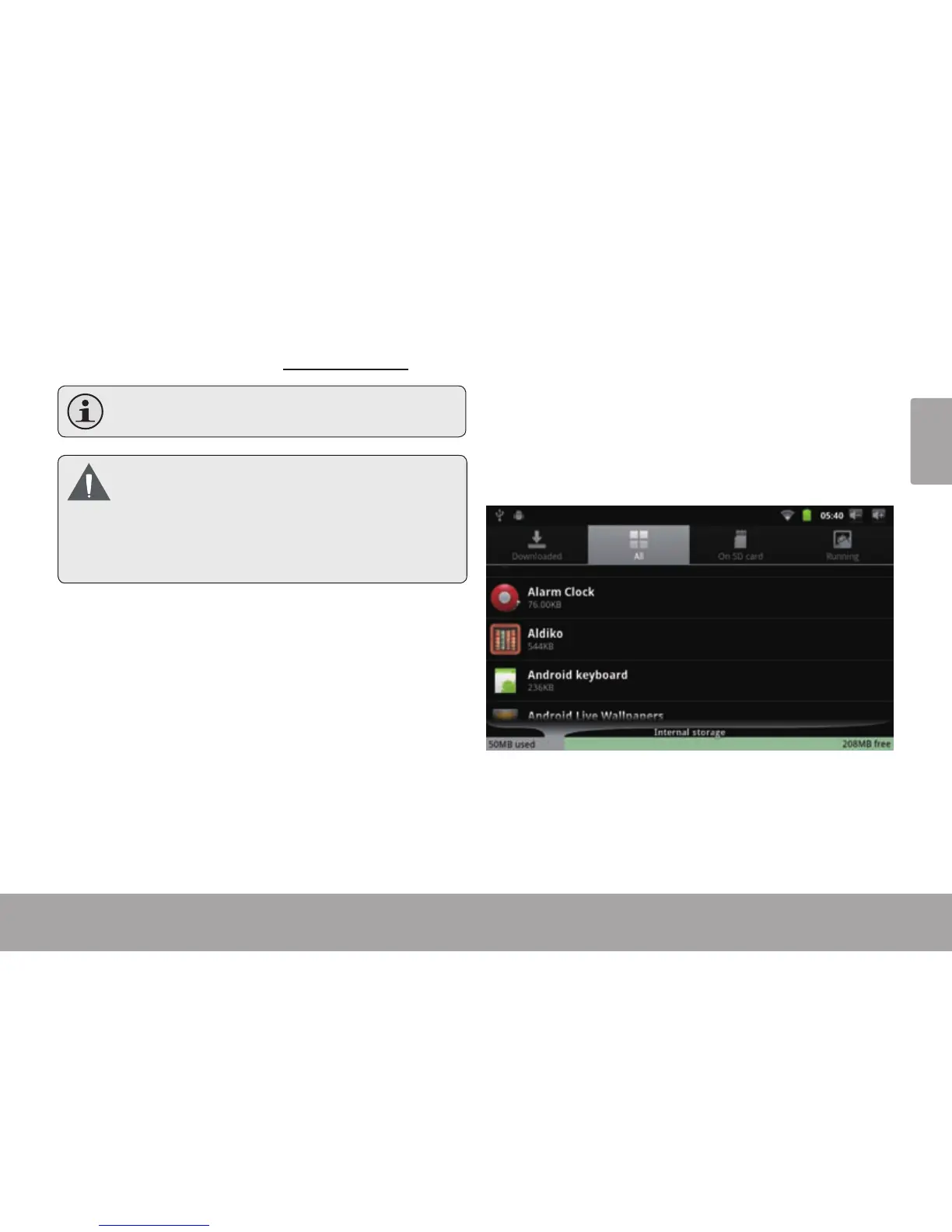
3. Touch Applications, and then touch Manage ap-
plications to show a list of all applications installed
on the tablet.



 To Next Page