EasyManua.ls Logo

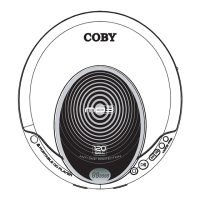
Coby MP-C7052 - User Manual

Coby MP-C7052
47 pages
Print Icon
To Next Page IconTo Next Page
Loading...
Instruction Manual
Please read this manual carefully before operation.
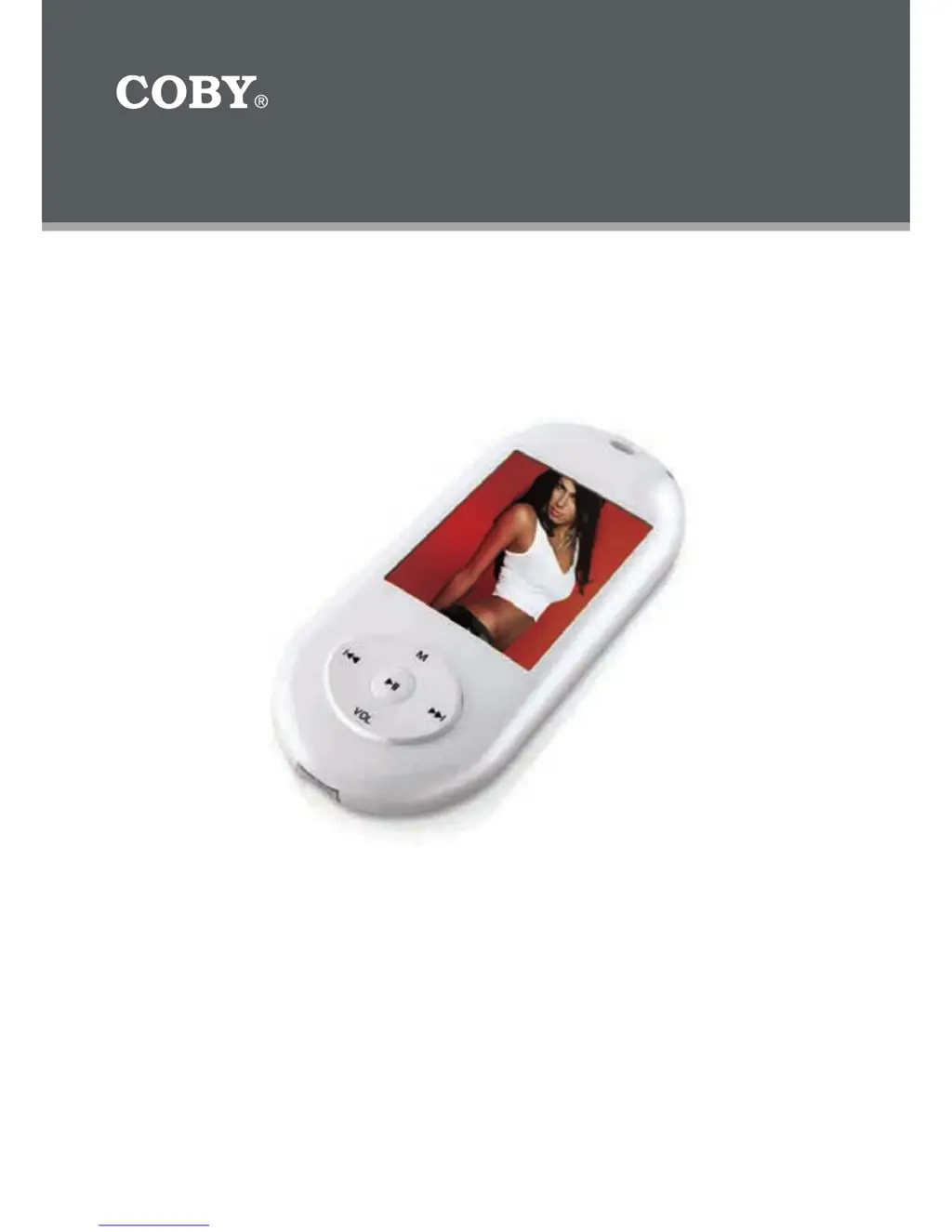
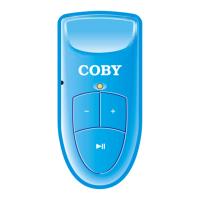
Mini MP3 Player wth Video and FM Radio
MP-C7052

Other manuals for Coby MP-C7052

Questions and Answers

  • W
    wwardAug 10, 2025
    How to turn on Coby MP-C7052 when it has no power?
    • F
      fpetersonAug 10, 2025
      If your Coby MP3 Player has no power, ensure that the power switch on the back of the unit is in the "ON" position. Also, the battery level may be too low, so charge the unit.
  • L
    Larry HodgesAug 16, 2025
    What to do if Coby MP3 Player is not recognized by computer?
    • M
      Mackenzie BurnsAug 16, 2025
      If your Coby MP3 Player is not recognized by the computer, try the following: * Check the USB connections. * Try switching to a different USB port. * Go to the player's “SETTINGS” and change the "Online Device" setting from Media Device to USB Disk.
  • N
    neil68Aug 22, 2025
    What to do if I get a video conversion error on my Coby MP-C7052?
    • M
      Madeline HansenAug 22, 2025
      If you experience a video conversion error on your Coby MP3 Player, ensure that the original file plays on your computer. If it doesn't, you may need to obtain the necessary codec for that file. Also, the format might be unsupported.
  • N
    nsandovalAug 29, 2025
    Why is there no sound after file transfer on my Coby MP3 Player?
    • S
      steven08Aug 29, 2025
      If there is no sound after transferring files to your Coby MP3 Player, ensure that the headphones are securely attached to the player. Also, make sure your WMA files are not DRM protected. An unsupported file format (ACC, WAV, M4A…Etc.) could also be the cause.
  • A
    amy41Sep 3, 2025
    What to do if music does not play or Coby MP3 Player freezes?
    • K
      Kevin BrownSep 4, 2025
      If music does not play or your Coby MP3 Player freezes, ensure that your WMA files are not DRM protected. The files may also be corrupted or damaged, or the file format might be unsupported (ACC, WAV, M4A…Etc.). It could also be an unknown file (WMA file with DRM) or a request for DRM Time (WMA file with DRM).

Coby MP-C7052 Specifications

General IconGeneral
Audio Formats SupportedMP3, WMA
FM RadioYes
USB InterfaceUSB 2.0
BatteryRechargeable Lithium-ion
Display1.8-inch TFT LCD

Related product manuals