VIDEO CONVERSION
Converting Video
Start the Video Conversion program.
Select the source video le to convert. The source le must be one of the
following video types: AVI (*.avi), WMV (*.wmv, *.asf), MPEG-1 (*.mpg),
QuickTime (*.mov, *.qt), MPEG-2 (*.vob), RealMedia (*.rm, *.rmvb), MPEG-
4, or 3GP (*.3gp).
DirectX 9.0, Windows Media Player 9.0, and other codecs
mustbeinstalledtosupportallmediatypes.
Select the destination folder that the converted le will be saved to.
Ensure that the Output Frame Size is set to “96X64”.
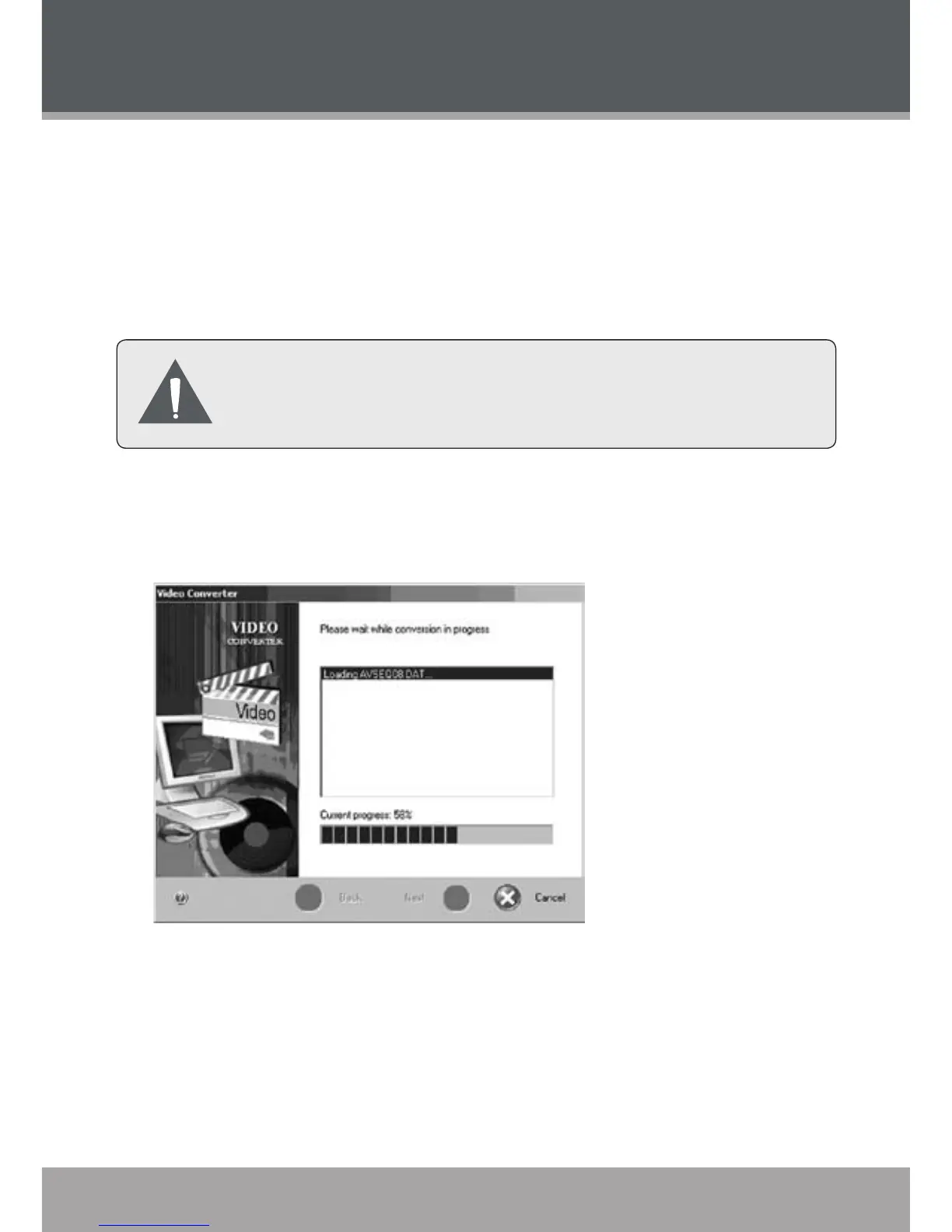
Click “Start Conversion” to start the conversion process.
When the conversion is complete, copy the converted les to your player
for playback.
1.
2.
3.
4.
5.
6.



 To Next Page