Page 30
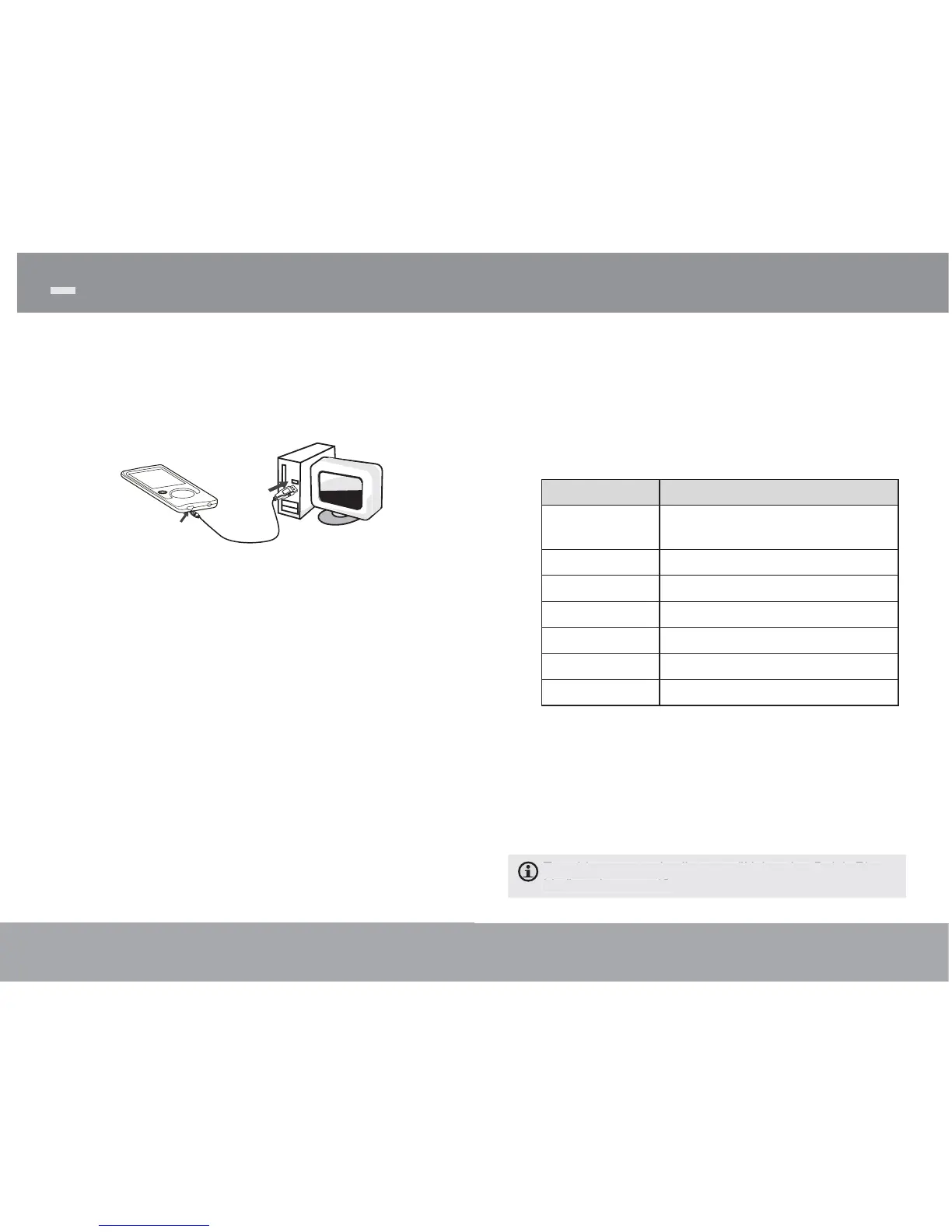
Connect the player to a computer with the USB 2.0
cable provided to:
Transfer fi les to and from your player
Perform basic fi le management functions.
USB Port
USB Port
Computer
Upon connection:
Your computer will automatically recognize the
player as a Removable Disk.
To open the player to view fi les, double-click
the icon that appears.
Once you have opened the player’s folder, simply
drag and drop fi les to the player as you would a
fl oppy disk.
Copy music fi les to the root directory.
Copy movie fi les to the “MOVIE.DIR” folder
Copy photo fi les to the “PHOTO.DIR” folder
Copy text fi les to the “TEXT.DIR” folder.
Transferring Files to the Player
Page 15
Equalizer
Select a digital equalizer preset to optimize the way
the player processes audio signals. The options are:
Normal, Pop, Rock, Classic, Jazz, and Bass.
Repeat
Change the repeat options to adjust the order in
which tracks are played.
Item Description
No Repeat Play tracks in normal order and no
repeat.
One Play the current track repeatedly.
All Play all tracks repeatedly.
RandomAll Play all tracks in random order.
Dir Normal Repeat all tracks in the current folder.
Dir Rep Repeat all tracks in all folders.
Dir Random Play folders in random order.
Library
Return to the Music Browser screen.
Play List
Selet "Play List" and then "My List" to play a list of
your favorite songs.
To add songs to the list, see "Using the Quick Play
List" on the page 12.
Music Mode



 To Next Page