Page 32
3. Press APPLE-V (paste) on the keyboard to trans-
fer the fi les you selected in Step 1 to the player.
Disconnecting from a Computer
To avoid data loss or fi le/fi rmware corruption, dis-
connect the player as instructed below or as by your
specifi c operating system.
Microsoft Windows
1. Double-click the
green arrow in the
taskbar located on the
lower-right side of the computer screen (Safely
Remove Hardware).
2. Safely Remove
Hardware:
Select “USB Mass
Storage Device”
from the list that
appears and then
click on “Stop”.
Stop a Hardware
Device: Select
“USB Mass Stor-
age Device” from the list that appears and then
click on “OK”.
3. When the “Safe to Remove Hardware” window
appears, click the OK button and disconnect the
USB cable from the player and your computer.
Transferring Files to the Player
Page 13
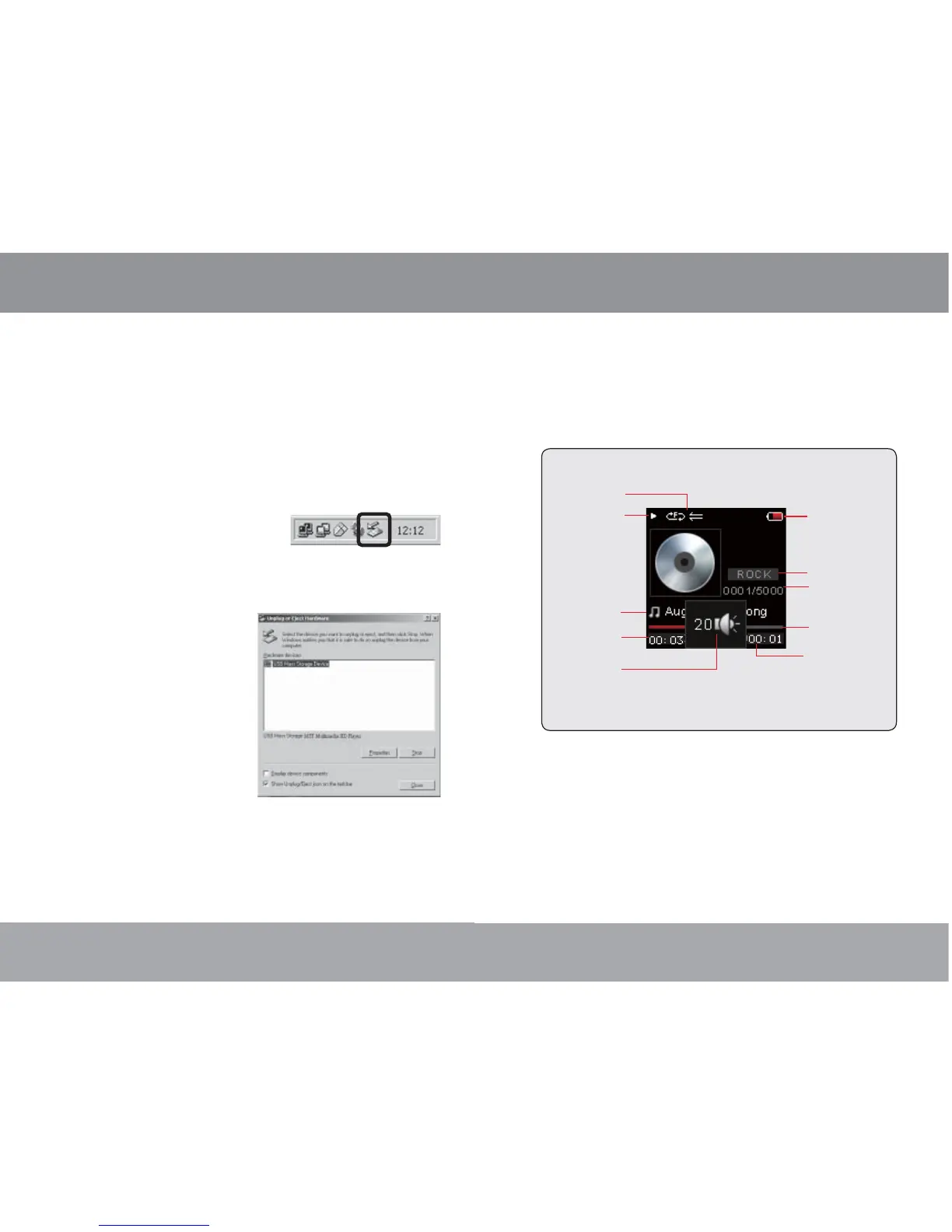
Now Playing Controls (Music Playback)
To start playing music, browse for a song and then
press <ENTER> to start playback.
When a song is playing, the Now Playing screen
appears (see below).



 To Next Page