EasyManua.ls Logo

Coby MP828 - About the Touchscreen; Touchscreen Operation; Main Menu Navigation

Coby MP828
86 pages
Print Icon
To Next Page IconTo Next Page
To Previous Page IconTo Previous Page
Loading...
Page 7 Unit At A Glance
English
A
bou
t t
h
e T
ou
c
h
screen
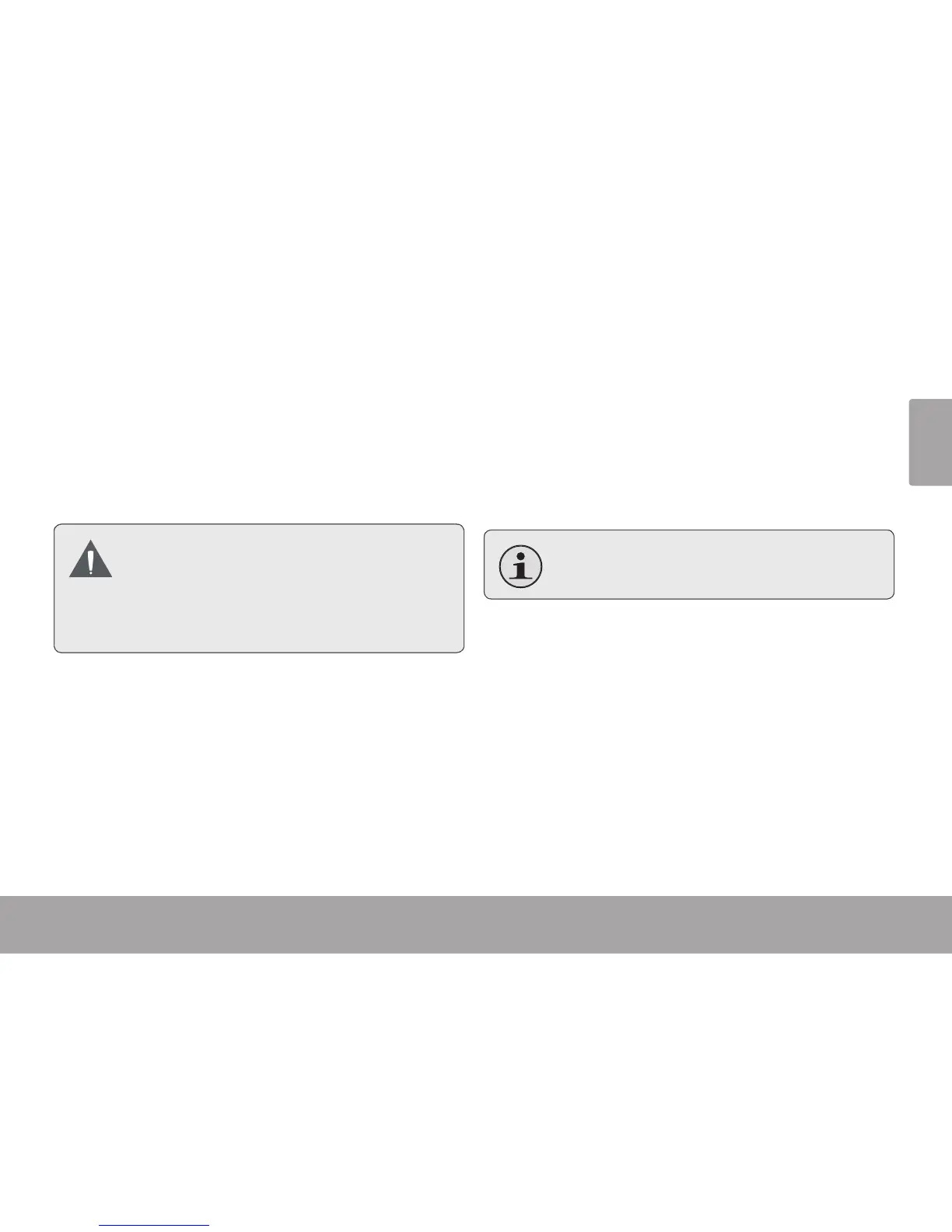
Your vi
d
eo MP p
l
a
y
er comes equippe
d
wit
h
an
eas
y
-to-use touc
h
screen w
h
ic
h
a
ll
ows access to t
h
e
pla
y
er’s
f
unctions. Use
y
our
nger tip (or a st
y
lus)
to ta
p
the area o
f
the screen where a control icon is
displayed. If you tap and hold an icon, it will register
as a continuous
b
utton press
.
To avoid dama
g
in
g
the screen, do not touch
it with excessive force or with any objec
t
other than
y
our
nger or a st
y
lus. For bes
t
response, ma
k
e sure
y
our
h
an
d
s are c
l
ean
be
f
ore using the touchscreen controls.
A
bou
t t
h
e M
a
in Men
u
W
h
en
y
ou turn t
h
e p
l
a
y
er on,
y
ou wi
ll
see t
h
e Main
menu. T
h
is menu a
ll
ows
y
ou to c
h
ange t
h
e p
l
a
y
er’s
m
od
e
.
T
ap t
h
e icons to enter eac
h
mo
d
e
.
Press and hold <M> to return to the Main menu.
In some mo
d
es, you may nee
d
to press <M>
to return to t
h
e Main menu
.

Related product manuals