Getting Started
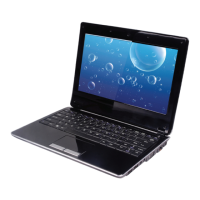
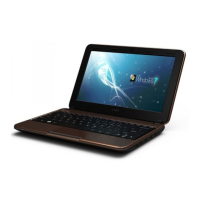
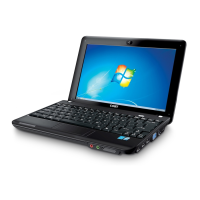
Open the computer and adjust the display panel for comfortable viewing.
Turning On Your Computer
Press the power button to turn on the computer.
Sleep Mode
When you nish working with your computer, you can put it to sleep
or shut it down.
Use sleep mode if you will be away from your computer for only a
short time. To enter sleep mode:
Click the Start menu and select Sleep, or
Press Fn + Esc.
To wake the computer, press the Power button.
Wait until the power indicator light starts blinking (indicating
that the computer is in sleep) before you move your computer.
Moving your computer while the hard disk is spinning may
cause damage or loss of data.
Shut Down
Your computer should be shut down when not in use for hours or
more. Enter the Start menu and select Shut Down to turn o the com-
puter.
Basic Operation


 To Next Page