Page 20 Using The Included Software
English
Installing muvee™ autoProducer
To install muvee autoProducer . Basic:
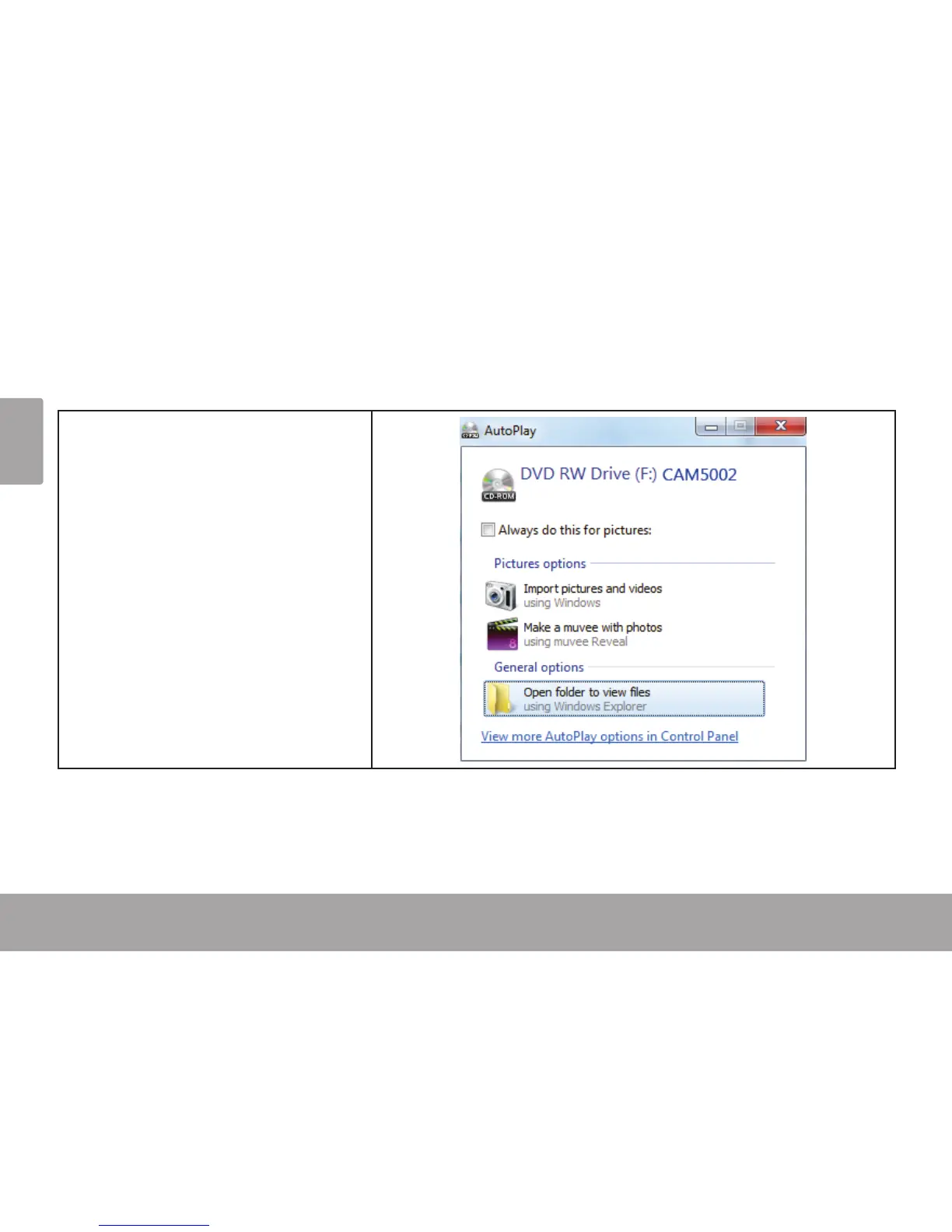
Load the included software CD
into your computer’s optical DVD/
CD-ROM drive. When the AutoPlay
window appears, click “Open folder
to view les”.
Note: If an AutoPlay window does not
appear, open Windows Explorer and
double-click the DVD/CD-ROM drive
icon to view its contents.


 To Next Page