Using The Included Software Page 25
English
Making a muvee™
Start the program.1.
From your computer’s Start menu, click:
All Programs → muvee → muvee
autoProducer 6.1 → Home movies
made easy!
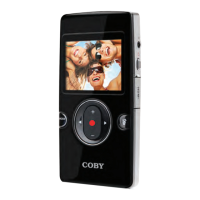
Turn on the CAM5002 and connect it to your 2.
computer.
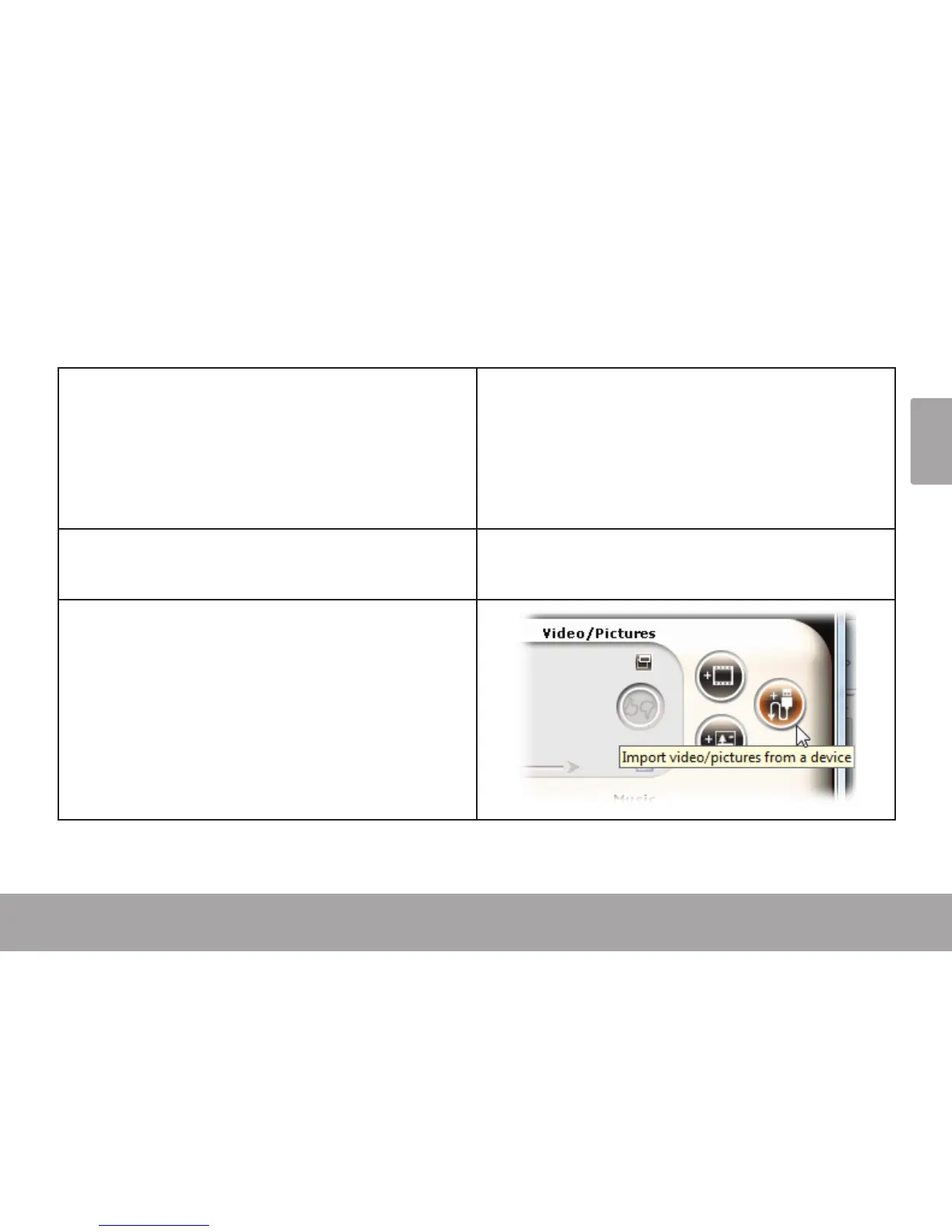
Add videos and photos from the CAM5002:3.
Click on the “Import from Device” icon.a.


 To Next Page