TV FUNCTION
Press MODE to set the player to TV mode.
Basic Operation
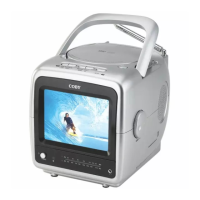
Extend the telescopic antenna. Adjust the position of the antenna to maximize broadcast
reception.
Optionally, use the external coaxial antenna adapter to connect an external antenna to
your player’s External Antenna jack for the best reception.
Change channels by using the numeric keypad, or press the UP/DOWN navigation keys..
Press RECALL on the remote to return to the previously viewed channel.
Adjust the volume level by turning the Volume Control dial.
Function Keys
MUTE: Press MUTE to mufe the sound. Press MUTE again to restore the sound.
DISPLAY: Press DISPLAY to view the current channel number and TV system mode on.
MENU: Press MENU to access the TV setup menu (see the TV Setup section for more information).
1.
•
2.
3.
4.



 To Next Page