Wall Mounting - Attach the TV case to the wall
SeparatetheTVcaseandthestand-basebyremovingscrewsbeforeinstallation.•
UsetheVESAstandardmountingstoxtheunitonthewall.Takecarewhenmounting,itmaycause•
damageorseriousinjuryshoulditfallfromitsmountings.SeetheSpecificationpageforVESA
informaiton.Avarietyofmountsareavailableinyourlocalretailer,seeinstructionswheninstallingthe
unit.
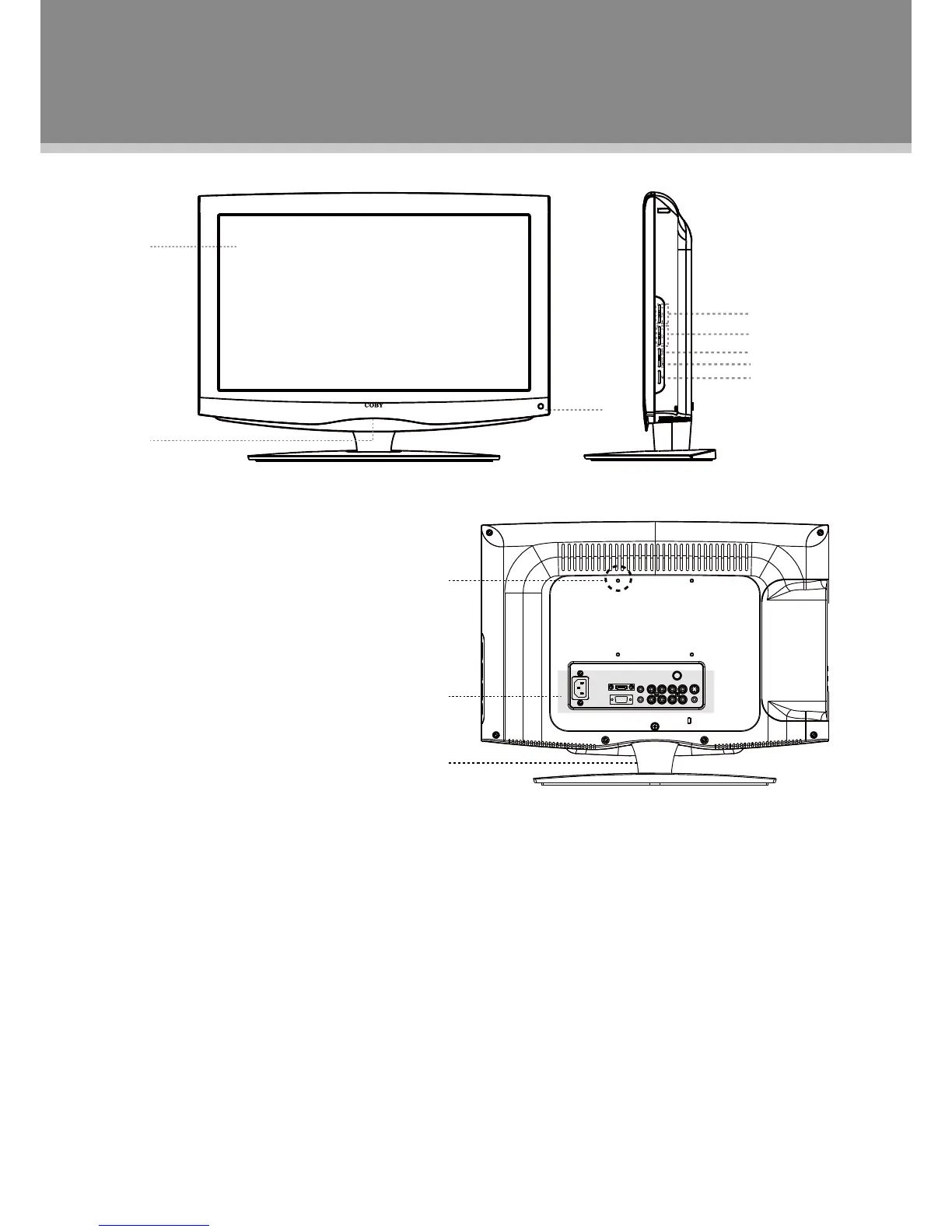
1.TFTSCREEN
Presenthighresolutionpictures
2.POWERINDICATOR
Lightsblueinthestandby/power-onmode,
3.REMOTESENSOR
Sensetheremotecontrolsignal.
4.VOL+/-
Adjustsoundoutputlevel.
5.CH+/-
Presstoskipchannels.
6.MENU
Displaythesystemsetupmenu.
7.SOURCE
Pressthisbuttontodisplayaworkingmode
optionmenu,usetheup/downdirectionbutton
toselectthedesiredmode,pressOKtoenter.
8.POWER
Presstoturnon/offtheplayer.
9.WallMountingThreadX4
10.ConnectorPanel
11.UnitStand
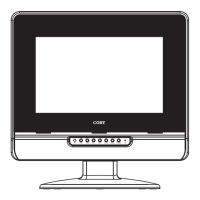
Unit View
NOTE: See "Cable Connections" section for
detaileddescriptiononconnectors.


 To Next Page