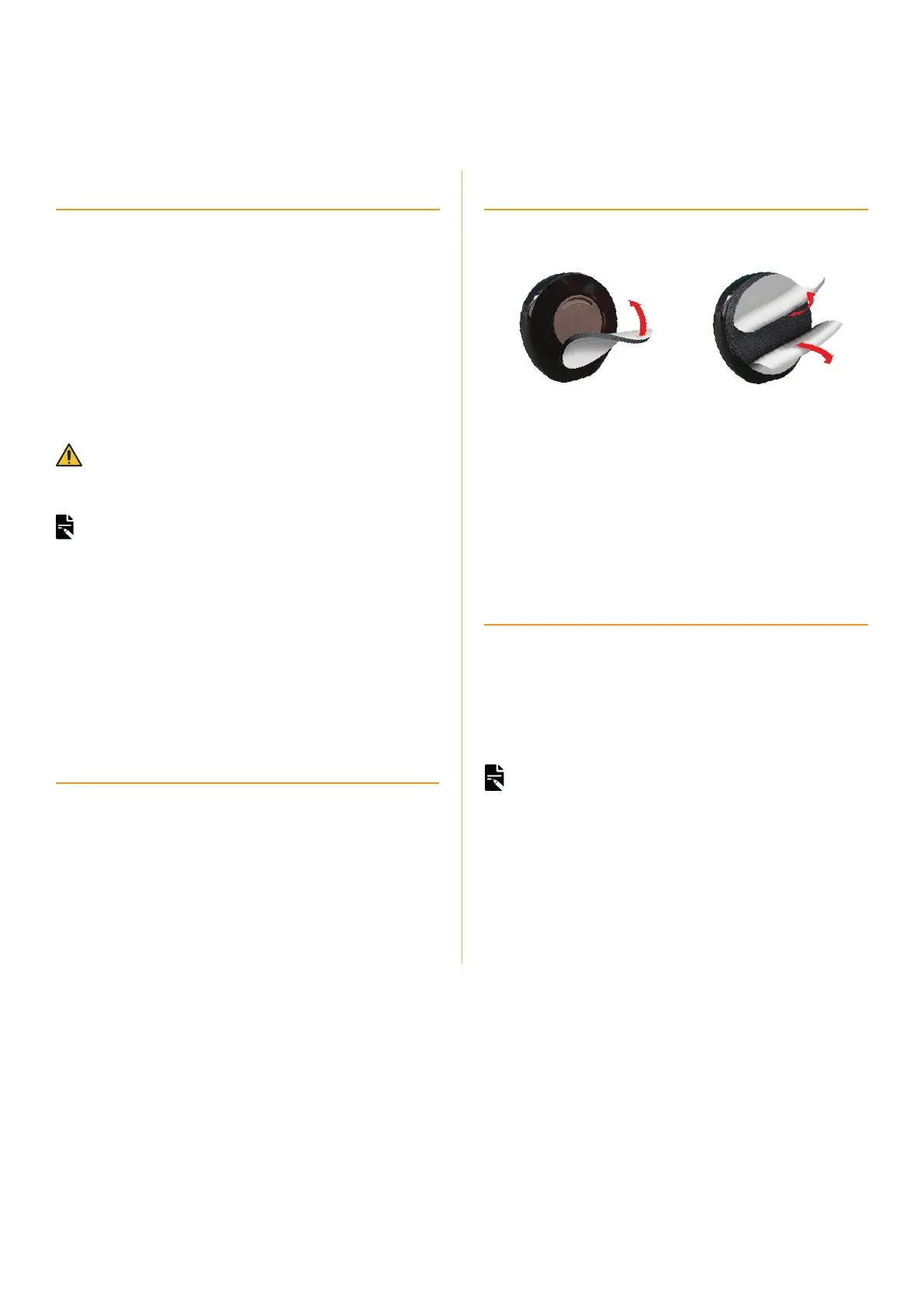
Cochlear SofWear™ pad
If the recipient feels pressure or discomfort from the processor,
you can attach a SoftWear pad to the back of the processor.
Programming tips
A SoftWear pad increases the distance between the coil and
implant. Check the recipient’s program after you have attached
the SoftWear pad.
If the SoftWear pad and Headband are used together, you
may need to create an additional MAP.
Kanso®2 Sound Processor
Quick Guide for Clinicians
4
Select magnet strength
Magnet strength is key to effective retention of a Kanso 2 Sound
Processor.
If a magnet is:
• too weak, the processor may fall off the implant.
• too strong, the recipient could experience discomfort or skin
irritation.
Magnet selection can be affected by several competing factors:
• skin flap thickness
• use of a Cochlear SoftWear™ pad (for recipient comfort)
• use of retention aids (e.g. Kanso 2 Headband, Safety Line)
• thickness of the recipient’s hair.
WARNING
If you change to a stronger magnet, this may cause a sensation of
pressure or skin irritation. To relieve this, attach a SoftWear pad to the
processor.
NOTES
• If the implant magnet is reversed, use the Kanso 2 Magnet Reverse
Polarity (magnet strength is labelled with an ‘R’, e.g. ‘2R’).
• If your recipient has a Cochlear CI600 Series implant you must use the
appropriate magnet, ordered separately. These magnets are engraved
with ‘(I)’ next to the strength number, for example ‘2(I)’. If you use
the wrong magnet your recipient could experience intermittent sound
and decreased battery performance.
• Kanso 2 Magnets used with CI600 Series implants are available in
strengths ½(I) to 5(I).
Sound Check
If you need to confirm whether the processor is receiving sound,
Sound Check is a Nucleus Smart App function that records
sound from the Kanso 2 Sound Processor and plays it back.
Sound Check records sound from the processor microphones.
The Sound Check app function is available on compatible smart
phones only. For details visit www.cochlear.com/compatibility.
NOTES
• Be aware of privacy – consider the content of the recording.
• Make sure you are in a quiet place away from microwave ovens, wireless
routers or other devices that could cause interference.
• Place the smart phone near the processor.
• 30 seconds is the maximum recording time.
• The quality of speakers on the smart phone and headphones will affect
the sound quality on playback.
Refer to the Nucleus Smart App User Guide for Kanso 2 for details.
Auto-turn o to save battery life
The Kanso 2 Sound Processor turns off automatically after being
off the implant for two minutes.
You can disable this setting in the fitting software. If you do this,
instruct the recipient to turn their processor off to maximise
battery life.


 To Next Page
 Loading...