Kanso®2 Sound Processor
Quick Guide for Clinicians
3
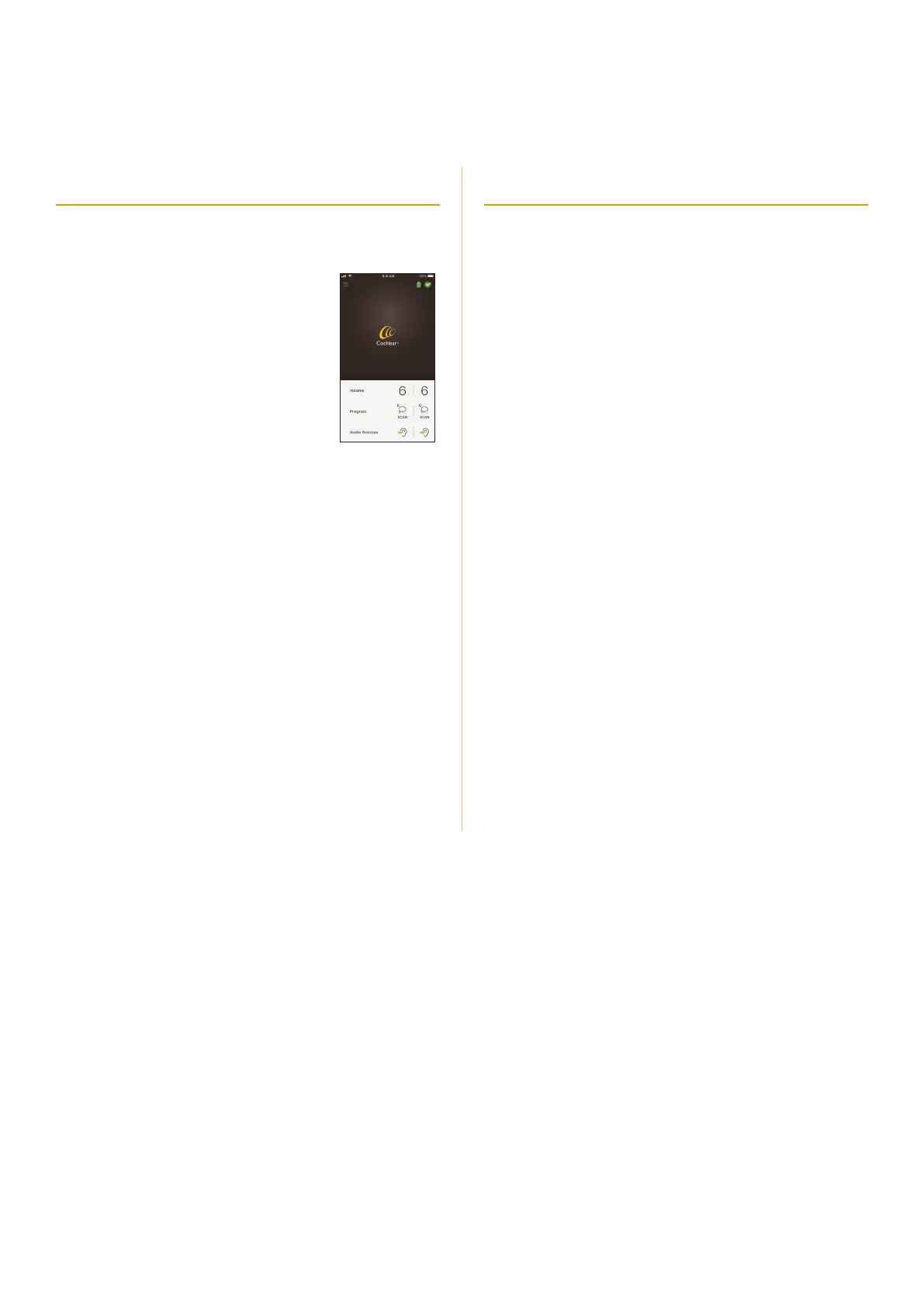
Nucleus Smart App
Recipients can control and monitor their sound processor(s)
using an iPhone
®
or iPod touch
®
, or a compatible Android
™
smartphone.
• Change volume, program, sensitivity, bass
and treble, and master volume limit.
• Stream audio from wireless accessories.
• Control bilateral processors together or
separately.
• Monitor processor status and receive
alerts.
Recipients/carers must know how to use
their iPhone, iPod touch or Android
smartphone.
For compatibility information visit
www.cochlear.com/compatibility.
To get started...
1. Download the Nucleus Smart App from:
• the App Store
®
to the iPhone or iPod touch
• Google Play
®
to the Android smartphone.
2. Follow the instructions to pair your processor(s) to your
device, and set up the app:
• Nucleus Smart App User Guide for Kanso 2: (for iPhone/
iPod touch or Android)
• Kanso 2 Sound Processor Pairing Guide: (for iPhone/iPod
touch or Android).
Bimodal use with compatible hearing aids
Compatible hearing aids will appear in the fitting software’s
Linking Hearing Devices screen, and be selectable.
Visit www.cochlear.com/nucleus/compatibility for further
details.
Made for iPhone
The Kanso 2 Sound Processor is a Made for iPhone device and
can be linked with compatible Made for iPhone hearing aids.
This allows the recipient to use their iPhone or iPod touch to
control both devices and stream audio to both devices.
Android
The Kanso 2 Sound Processor is compatible with the ASHA
(Audio Streaming for Hearing Aid) protocol and can be linked
with Android devices that support ASHA. This allows recipients
with compatible Android devices to stream audio to both
hearing devices.
Bimodal setup overview
1. Program the hearing aid, if not already done.
2. Create a MAP for the Kanso 2 Sound Processor.
3. In Processor Configuration, click the Link button.
4. Connect the Airlink.
5. Discover the hearing aid from the list of available devices.
6. Beep the hearing aid to confirm it is the correct device.
7. Link the sound processor to the hearing aid.
8. Link the hearing aid to the sound processor by writing the
MAP to the processor.
9. Pair the hearing aid and the sound processor to the iOS or
Android device.



 To Next Page