17
Keyboard
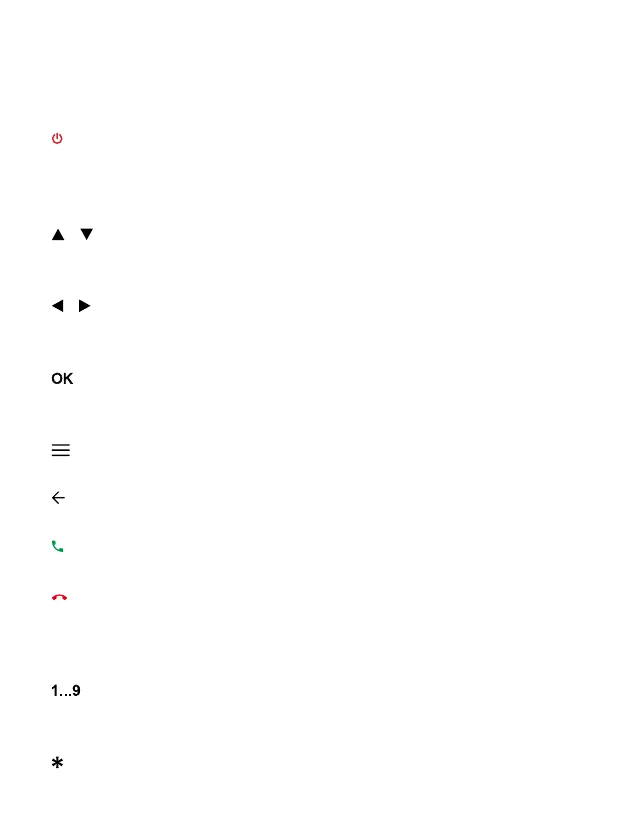
When the terminal is off, press for 3 seconds to turn on the
tablet. When the terminal is on, press for 3 seconds to turn off
the phone.
Move the cursor up / down. In the initial screen, increase and
decrease volume.
Move the cursor left / right when accessing the on-screen menu
or submenus.
Confirm operations when accessing the on-screen menu or
submenus. In standby mode, press to access the call log.
Use this key to open the app drawer.
Use this key to Return to the previous screen.
Press to make a call or answer an incoming call.
During an active call, press it to end the call. From the app, tap
to return to the main menu. Press for 3 seconds to turn on the
terminal base.
Press to enter numbers.
Press to enter the asterisk symbol.
Key Function
[ ] On / Off
[ ] [ ] Up / down
[ ] [ ] Left / right
[ ] Confirmation
[ ] Menu
[ ] Back
[ ] Pick up
[ ] Hang up
[ ] Numeric
keyboard
[ ] Asterisk key



 To Next Page