22
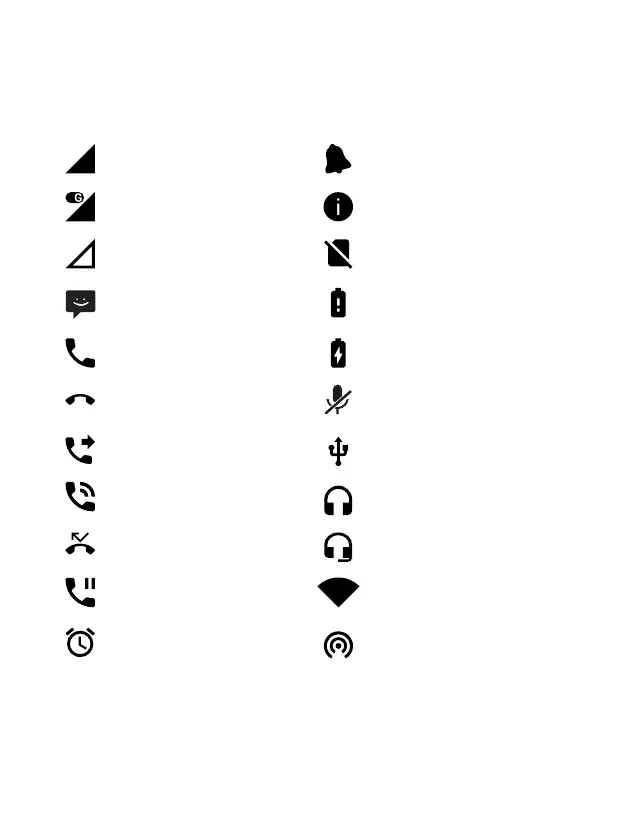
System icons
The following illustration explains the meaning of some of the system icons that can be
displayed on your terminal:
Wi-Fi connection
Wi-Fi access pointAlarm activated
Call waiting
Missed call Headphones with microphone
Handsfree Connected headphones
Call Forwarding USB connection
Call end Microphone off
Calls Battery in charge
Message received Low battery
No signal No SIM card
Data network connection Status information
Signal level Notifications



 To Next Page